How to Track a Stolen Laptop: 7 Proven Ways
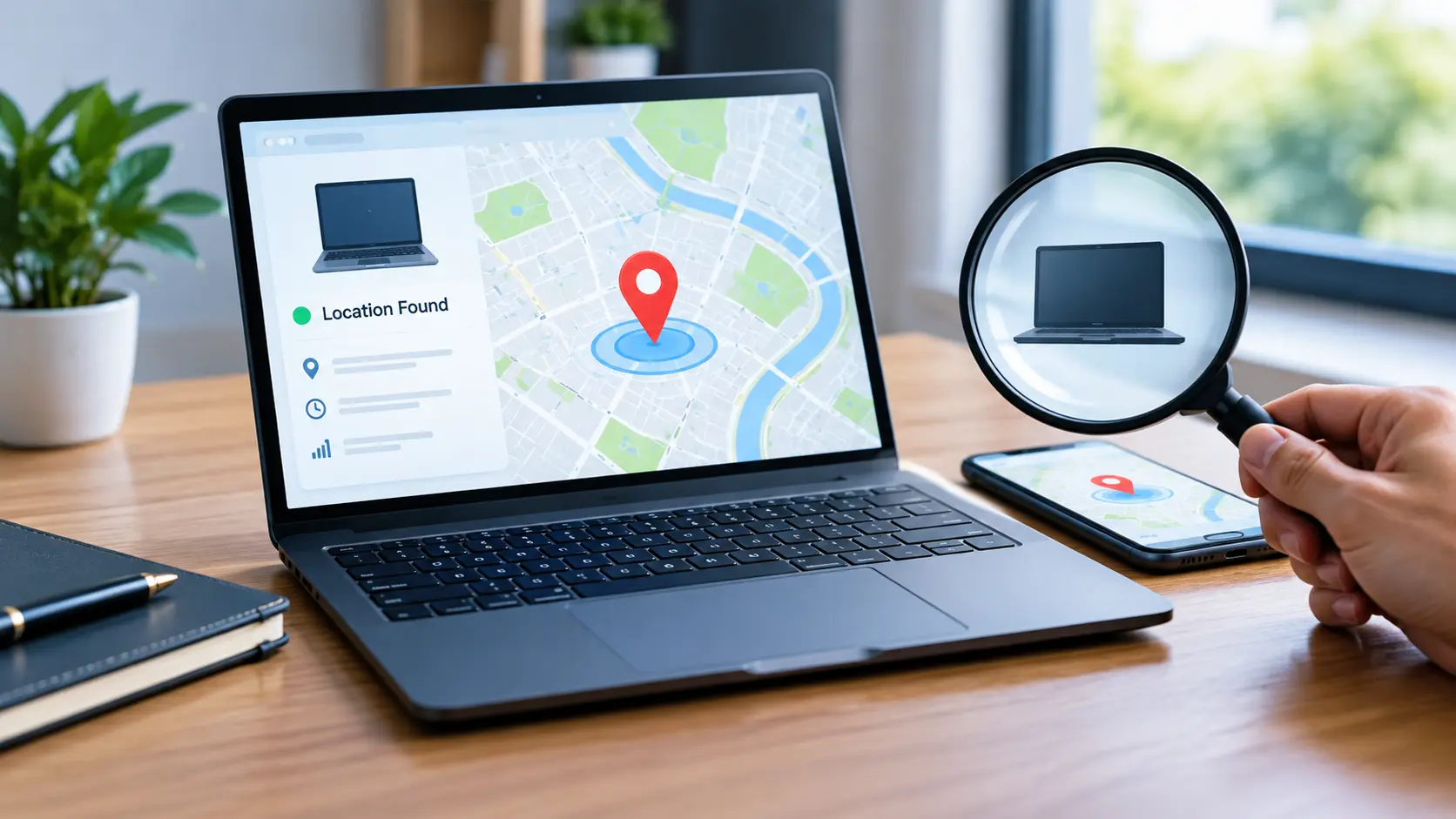
You can track a stolen laptop if a feature like Windows Find My Device was turned on before it went missing. Sign in to your Microsoft account online, check the device’s last known location, then lock it remotely and report the theft to the police right away.
This guide on how to track a stolen laptop walks you through every real option available in 2026, including what works, what doesn’t, and what to do if tracking fails. We’ve researched Microsoft’s own tools closely, so you get accurate steps instead of guesses. By the end, you’ll know exactly where to look and what to do next. Can You Track a Stolen Laptop?
If you specifically own an HP laptop.
Can You Track a Stolen Laptop?
Yes, but only if a tracking feature was turned on before the laptop went missing. This is the part most people don’t realize until it’s too late.
On Windows 10 and Windows 11, the built-in tool is called Find My Device. It works through your Microsoft account, and it needs a few things to be active beforehand:
- You must be signed in with a Microsoft account
- That account needs administrator access
- Location services must be turned on
- The laptop needs an internet connection to report its location
If all of these were already set up, you’re in good shape. If not, don’t worry. There are still steps you can take, and we’ll cover those too.
How to Track a Stolen Laptop on Windows 11
If Find My Device was already enabled, here’s exactly how to use it.
Open Microsoft Find My Device
Go to account.microsoft.com/devices on any computer or phone with internet access. Sign in using the same Microsoft account that was linked to your stolen laptop. You’ll see a list of every device connected to that account.
Select Your Missing Laptop
Find your laptop in the device list and click on it. Select the Find My Device option next to it. A map will load, showing the last location your laptop reported before it went offline or lost connection.
Keep in mind, this is the last known location, not necessarily where it is right now. If the laptop hasn’t connected to the internet since it went missing, the map won’t update.
Lock the Laptop Remotely
Once you see the location, click Lock. This does two important things:
- It locks the screen so whoever has it can’t access your files
- It displays a custom message on the screen (you can add your phone number so an honest person can contact you)
This step matters even if you never find the laptop again. Protecting your personal data is just as important as tracking the device itself.
How to Track a Lost Laptop If Find My Device Wasn’t Enabled
This is the situation most people are actually in, and most guides don’t talk about it enough.
If Find My Device wasn’t turned on, Microsoft has no way to show you a real-time or last-known location. There’s no hidden backup option that magically activates after the fact. Here’s what you can still do:
- Check your router’s connected devices list. If your laptop is still on your home network somehow, it may show up there.
- Look for cloud backup activity. If OneDrive or another cloud service was syncing files, check the account’s activity log for recent sign-ins or file changes. This won’t show a physical location, but it can tell you if someone is actively using the device.
- Check for a saved IP address login. Some accounts log the IP address of the last sign-in. This isn’t a map location, but it can help law enforcement narrow things down.
None of these are as reliable as Find My Device, which is exactly why enabling it in advance matters so much.
Can You Track a Laptop Without GPS?
Yes, and this surprises a lot of people. Laptops don’t usually have GPS chips like phones do. Instead, Windows location services rely on a mix of signals:
- Nearby WiFi networks
- Cell tower signals (on laptops with cellular data)
- IP address information
By combining these signals, Windows can estimate a location, sometimes accurately, sometimes only within a general area. It won’t be as precise as phone GPS, but it’s often good enough to confirm a city or neighborhood, which is genuinely useful information for police.
Can a Serial Number Track a Laptop?
No. A serial number identifies which laptop is yours, but it doesn’t broadcast a live location. Think of it like a car’s VIN. It proves ownership and helps confirm the device is yours if it’s ever recovered, but it can’t be “pinged” to find where the laptop currently is.
That said, don’t underestimate the serial number’s value. Give it to the police when you file a report. If your laptop ever turns up at a pawn shop, repair store, or gets resold, that serial number is how it gets traced back to you.
Can You Track a Laptop With an IP Address?
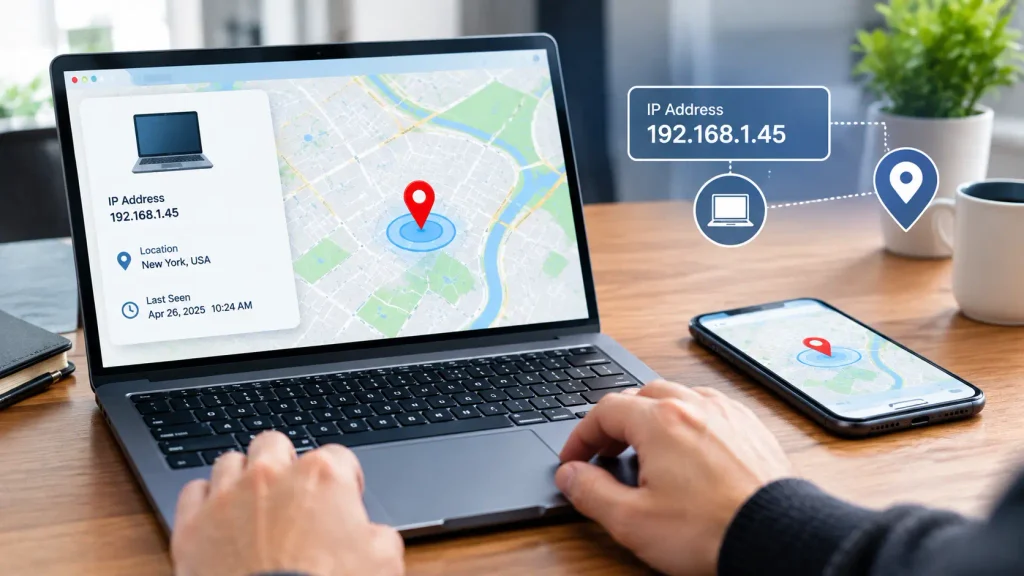
Partly. An IP address can point to a general location, like a city or internet provider region, but it’s not a pinpoint address. Windows uses IP information as one piece of a larger puzzle, combined with WiFi and cell signals, to build a more accurate location estimate.
If you’re trying to track a laptop through IP address alone (say, through a sign-in log), treat it as a lead, not a confirmed location. Share this information with law enforcement rather than trying to act on it yourself.
What If the Stolen Laptop Is Offline?
This is the toughest scenario. If the laptop is powered off, disconnected from WiFi, or the battery has died, it cannot send any new location data. Find My Device will only show the last location it reported before going offline.
Here’s what typically happens next:
- If the thief connects it to WiFi at any point, even briefly, it may report a new location
- If it stays offline permanently, the last known location is all you’ll ever get
- Some laptops eventually reset or get wiped, which ends any tracking possibility for good
This is exactly why acting fast matters. The sooner you check the last known location and report it, the better your chances.
How to Find a Stolen Laptop When You Can’t Track It
If tracking isn’t an option, you’re not completely out of luck. Here’s what actually helps:
- File a police report immediately. Include the serial number, brand, and model. This creates an official record, which insurance companies usually require.
- Contact your insurance provider. Many homeowners, renters, and business insurance policies cover stolen electronics. Check your policy for a theft claim process.
- Change your passwords right away. Start with email, banking, and any account that had saved passwords on the laptop.
- Report it to your workplace or school if it was a work- or school-issued device. They may have their own tracking software installed that you don’t know about.
- Watch pawn shops and resale sites if you’re in a smaller city. It’s a long shot, but serial numbers do sometimes get flagged this way.
Recovery isn’t guaranteed, but these steps protect your data and give you the best realistic chance.
How to Track Your Computer Before It Gets Lost
The real fix here is prevention, and it takes five minutes.
- Go to Settings > Privacy & Security > Find My Device
- Make sure you’re signed in with a Microsoft account (not a local account)
- Turn the Find My Device toggle on
- Confirm Location Services are enabled under Settings > Privacy & Security > Location
- Test it once by checking account.microsoft.com/devices to confirm your laptop shows up
If you manage a work laptop or a school laptop, ask your IT department if additional tracking software is already installed. Many organizations use tools beyond the basic Windows feature
Frequently Asked Questions.
1. Can Apple’s Find My track a Windows laptop?
No, Apple’s Find My only works on Apple devices like Mac, iPhone, and iPad. For a Windows laptop, you need to use Microsoft’s own Find My Device instead.
2. Should I try to recover the laptop myself if I find its location?
No, you should not try to recover it yourself. Share the location with the police and let them handle it, since confronting a thief can put you in danger.
3. Does resetting the laptop to factory settings stop tracking?
Yes, in most cases, a factory reset removes the Microsoft account link, which stops Find My Device from working. Once that happens, the laptop can no longer send its location.
4. Does Find My Device work if my laptop is turned off?
No, Find My Device needs power and an internet connection to send a location update. If the laptop is off, you will only see its last known location.
5. Will the person who stole my laptop know I am tracking it?
If you only view the location on the map, they will not know. But if you use the Lock feature, they will see a message appear on the screen.
Conclusion
Tracking a stolen laptop depends on one thing: preparation. If Find My Device was already turned on, you have a real shot at locating and locking your laptop. If not, file a police report, contact your insurance company, and secure your accounts fast. Either way, take five minutes today to turn on Find My Device. It could save you a lot of stress later.
Written by Sahil Ansari
Author: