How Much Does Computer Repair Cost? (2026 Price Guide for USA)
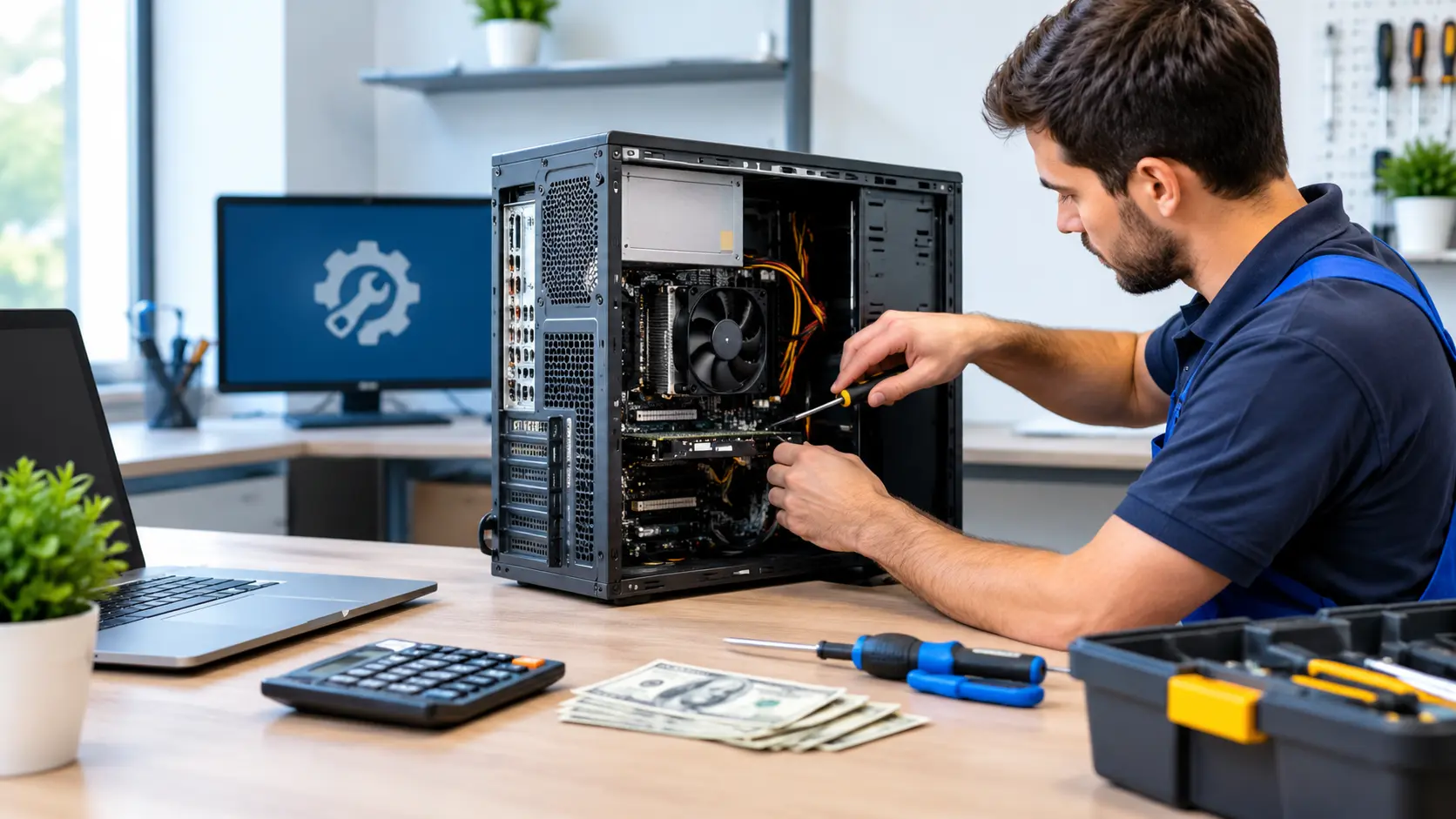
In 2026, computer repair usually costs between $50 and $300 in the USA. Simple software fixes are cheaper, while screen or hardware repairs cost more. Laptops often cost more to fix than desktops. Always get a written quote first to avoid overpaying.
In this guide, you’ll learn exactly what affects the price, so you can make a smart decision without wasting money.
Average Computer Repair Cost in 2026 (Quick Overview)
Most computer repairs in the USA fall between $50 and $300. Simple software problems sit at the lower end. Hardware repairs, like a broken screen or a dead motherboard, sit at the higher end.
Here’s the short version before we get into the details:
- Software fixes (viruses, slow performance, OS issues): $50 to $150
- Hardware fixes (screens, batteries, keyboards): $80 to $300+
- Data recovery: $100 to $500+, depending on how damaged the drive is
- Diagnostic fee: $40 to $90, often waived if you go ahead with the repair
These numbers shift depending on your device, your location, and who’s repairing. We’ll walk through all of that next.
National Average Price Range (USA Data)
Based on pricing from repair shops nationwide, the average cost lands right around $130 to $150 per repair. That’s the number most people should expect if they don’t already know what’s broken.
Here’s how that breaks down by common problem:
| Problem | Average Cost Range |
|---|---|
| Virus or malware removal | $60 – $150 |
| Slow computer tune-up | $50 – $120 |
| System error or blue screen | $80 – $200 |
| Computer won’t turn on | $85 – $220 |
| Cracked or damaged screen | $115 – $300 |
| General troubleshooting | $80 – $200 |
These are national averages. Your actual price depends on a few things we’re about to cover.
What Affects the Cost of Computer Repair?
Not every repair shop charges the same price for the same problem. Several factors decide what you’ll actually pay.
Type of Device (Laptop vs Desktop)
Desktops are usually cheaper to fix than laptops. Here’s why: desktop parts are standard sizes that fit into almost any tower. A technician can grab a replacement part and swap it in fast.
Laptops are built tighter. Parts are often made specifically for one model, which means they cost more and take longer to source. On top of that, opening a laptop to reach a broken part takes more time than opening a desktop case.
- Desktop repairs: usually $80 to $250
- Laptop repairs: usually $100 to $300, sometimes higher for premium models
Brand of the Computer (HP, Dell, Apple)
Brand matters more than most people expect. HP and Dell computers use parts that are widely available, which keeps repair costs reasonable. Apple computers are a different story.
Apple parts are proprietary, meaning only Apple or certified shops can get the exact piece your MacBook needs. That pushes Apple repair costs 20% to 40% higher than a comparable Windows repair.
Software Issue vs Hardware Issue
This is one of the biggest cost factors, and it’s simple once you understand it.
- Software issues (malware, slow speed, corrupted files) only need the technician’s time. No parts involved. That keeps the price down.
- Hardware issues (broken screen, dead battery, failed hard drive) need a replacement part plus labor. That’s why hardware repairs almost always cost more than software repairs.
Where You Get It Repaired
The type of shop you choose changes the price more than people realize.
- Big-box electronics stores – Usually the most expensive option because of brand overhead
- Independent local repair shops – Often 20% to 30% cheaper than big chains
- Manufacturer-authorized centers – Pricier, but necessary if your device is still under warranty
- Mobile or on-site repair services – Slightly more expensive because the technician comes to you
Your Location in the USA
Repair costs run higher in big cities like New York, Los Angeles, and San Francisco. Higher rent and higher labor costs get passed on to the customer. In smaller towns, you’ll usually find lower rates for the same repair.
Computer Repair Cost by Problem Type (Full Price Table)
Here’s a detailed breakdown of what specific repairs cost across the USA in 2026:
| Repair Type | Estimated Cost (USD) |
|---|---|
| Virus/malware removal | $60 – $150 |
| Slow computer tune-up | $50 – $120 |
| Operating system reinstall | $70 – $150 |
| Screen replacement (laptop) | $115 – $300 |
| Keyboard replacement | $60 – $150 |
| Battery replacement | $70 – $180 |
| RAM upgrade | $40 – $120 (plus part cost) |
| Hard drive/SSD replacement | $80 – $250 (plus part cost) |
| Motherboard repair | $150 – $400+ |
| Charging port repair | $60 – $150 |
| Fan/cooling system repair | $50 – $130 |
| Liquid damage repair | $100 – $400+ |
| Data recovery | $100 – $500+ |
Always ask for a written quote before agreeing to anything. Some shops add extra charges for rush service or hard-to-find parts, so it’s worth confirming the final number upfront.
Laptop Repair Cost vs Desktop Repair Cost
Laptops pack every component into a small space. That tight design means even a simple repair often requires partially taking the whole machine apart. More labor time means a higher bill.
- Laptop repairs run 20% to 50% higher than the same repair on a desktop
- Desktop repairs stay cheaper because parts like RAM, hard drives, and power supplies are standardized and easy to reach
If you own a gaming laptop or a thin business laptop, expect prices on the higher end. These models often use custom battery shapes or soldered RAM that’s harder to replace.
Mac Repair Cost vs PC Repair Cost
Mac repairs cost more than PC repairs in almost every category. On average, a Mac repair runs around $160 to $200, while a comparable PC repair runs $100 to $140.
The reason comes down to parts and certification. Apple restricts who can buy genuine replacement parts, so fewer shops can offer competitive pricing. PC parts, on the other hand, come from dozens of manufacturers, which keeps prices competitive.
Is It Cheaper to Repair or Replace Your Computer?
This is the question that really matters once you know the repair cost. Most repair technicians use one simple rule to decide.
The 50% Rule Explained
If the repair costs more than 50% of a new, similar computer, replacement is usually the smarter choice.
Here’s how that plays out in real life:
- Your 5-year-old laptop needs a $350 motherboard repair. A similar new laptop costs $500. That repair is 70% of the replacement cost, so buying new makes more financial sense.
- Your 1-year-old laptop needs a $90 battery swap. That’s a small fraction of a new laptop’s price, so repairing is the clear winner.
A few other things worth weighing before you decide:
- Age of the device – Machines older than 5 to 6 years usually aren’t worth expensive repairs
- Warranty status – Still under warranty? Repair might be free or heavily discounted
- Important files – Factor in what it would cost to recover your data if you replace instead of repair
- Upgrade potential – Sometimes a simple RAM or storage upgrade solves the problem without a full repair
DIY Repair vs Professional Repair

Some repairs are safe to try yourself. Others are better left to someone who does this for a living.
Good candidates for DIY:
- Adding or upgrading RAM
- Replacing a hard drive with an SSD
- Cleaning dust out of fans and vents
- Reinstalling the operating system
- Removing malware with trusted antivirus software
Better left to a professional:
- Motherboard repairs
- Liquid damage restoration
- Screen replacement (easy to crack further if you’re not careful)
- Anything involving soldering
- Data recovery from a physically damaged drive
Trying a complex repair yourself can end up costing more if something goes wrong, especially if it voids whatever warranty you had left.
How to Get an Accurate Computer Repair Quote
Getting the real price before you commit takes a few smart steps most people skip.
- Ask for a diagnostic upfront. A proper diagnosis tells you exactly what’s wrong instead of guessing.
- Get the quote in writing. A verbal estimate can change later. A written one holds the shop accountable.
- Ask if the diagnostic fee applies to the repair. Many shops waive it if you move forward with the fix.
- Compare at least two or three shops. Prices for the same repair can vary by $50 or more between shops in the same area.
- Ask what’s included. Some quotes cover parts and labor together. Others separate them, which can hide the real total until the bill arrives.
Tips to Save Money on Computer Repair in 2026
A few small habits can save you real money over time.
- Get multiple quotes before agreeing to anything over $100
- Ask about the diagnostic fee and whether it’s waived with a repair
- Check your warranty first — some issues might already be covered
- Buy your own parts like RAM or an SSD online, then pay the shop for labor only, if they allow it
- Back up your files regularly so a future data recovery bill isn’t necessary
- Clean your computer often — dust buildup is a leading cause of overheating, and cleaning it costs nothing
Frequently Asked Questions
1. Does computer repair cost more if I need it done the same day?
Yes, same-day repairs usually cost more. Most shops charge a rush fee of $20 to $50 extra because they have to move your computer ahead of others in line.
2. Can I get a refund if the repair does not fix my computer?
Most repair shops offer a warranty instead of a refund if the problem comes back. If the same issue is not fixed, they will usually redo the repair for free within a set time period.
3. Should I back up my data before sending my computer for repair?
Yes, you should always back up your data before sending your computer for repair. Repairs can sometimes affect your files, so a backup keeps your photos, documents, and other data safe.
4. How long does a typical computer repair take to finish?
Most computer repairs take between 1 and 3 business days to finish. Simple software fixes are often done the same day, while hardware repairs can take longer if parts need to be ordered.
5. What should I bring with me when I drop off my computer for repair?
Bring your computer, its charger, and any password information the technician may need. If your issue is related to a specific accessory, like a mouse or bag, bring that too.
Conclusion
Computer repair costs in the USA usually fall between $50 and $300, depending on the problem. Software fixes stay cheap, while hardware repairs cost more. Laptops often cost more than desktops to fix. Before you pay for anything, get a written quote, compare a few shops, and back up your files. A little research now can save you real money later.
Written By: Sahil Ansari