How To Sell HP Laptops? (Full Details 2026)
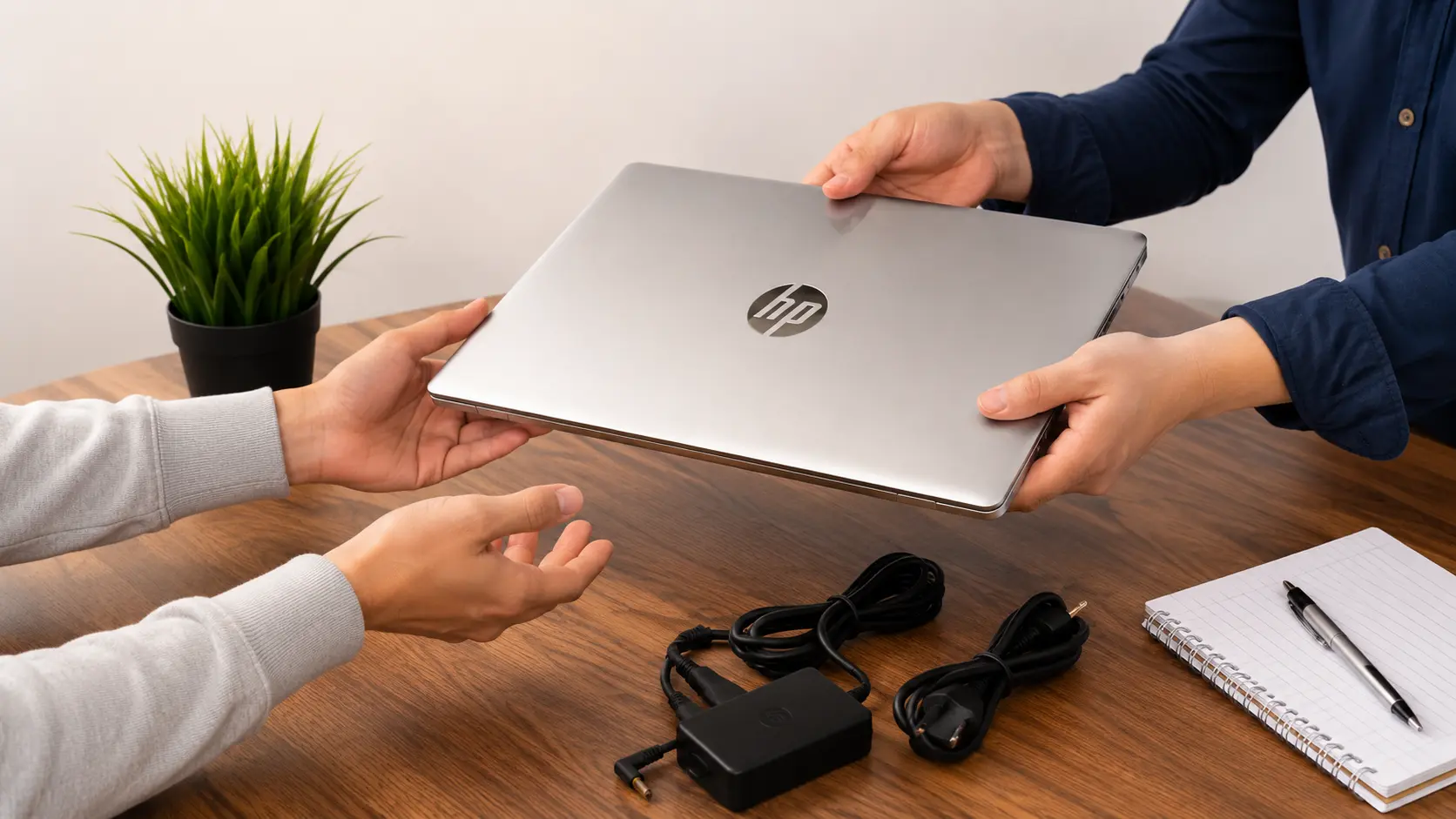
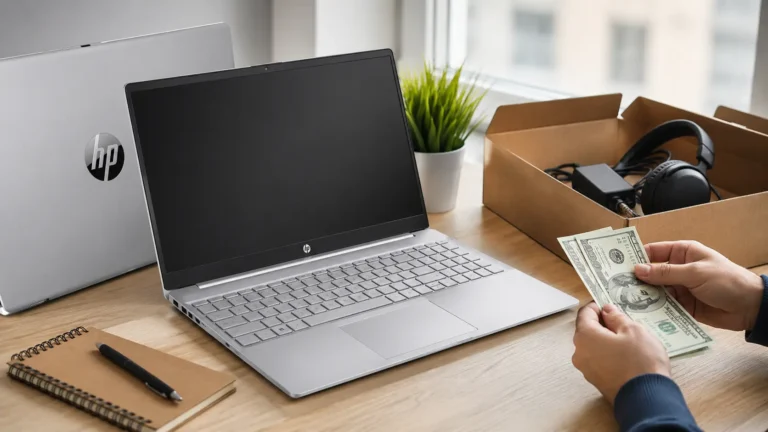
To sell an HP laptop, back up your files, remove personal data, and perform a factory reset. Check its market value, take clear photos, create an honest listing, and choose a trusted selling platform to get the best possible price.
In this guide, you will learn how to sell HP laptops step by step. We will cover how to prepare your laptop, protect your personal data, choose the best place to sell it, set a fair price, and avoid common mistakes.
Why Should You Sell Your HP Laptop?
Selling your HP laptop can be a smart decision if you no longer use it or plan to upgrade. Instead of leaving it unused, you can turn it into extra money while giving someone else a useful device. A well-maintained laptop often has good resale value, especially if it is still working properly.
Another reason to sell your laptop is to avoid losing its value over time. Technology changes quickly, and older models usually become less valuable each year. Selling it sooner may help you receive a better offer before newer models replace it.
Common Reasons People Sell HP Laptops
People sell their HP laptops for many different reasons. Some want to buy a newer model, while others simply no longer need the device. Whatever the reason, preparing the laptop before selling can help you get a better price.
Common reasons include:
- Upgrading to a newer laptop.
- No longer using the device.
- Needing extra money.
- Freeing up space at home.
- Switching to another brand.
What Should You Do Before Selling Your HP Laptop?
Before selling your HP laptop, spend a little time preparing it. A clean, secure, and fully reset laptop looks more professional and gives buyers more confidence. These simple steps also protect your personal information and can help increase the selling price.
Back Up Your Important Files
Before selling your laptop, save all important files such as photos, videos, documents, and work projects. You can copy them to an external hard drive or upload them to cloud storage. Always check that your backup is complete before deleting anything from the laptop.
Remove Personal Data
Delete all personal information stored on the laptop. This includes documents, saved passwords, browser history, downloads, and private photos. Removing your personal data helps protect your privacy after the laptop changes ownership.
Sign Out Of All Accounts
Sign out of every account linked to the laptop, including your Microsoft account, Google account, email accounts, and other online services. This prevents the new owner from accessing your personal information and avoids activation problems.
Factory Reset Your HP Laptop
A factory reset removes your personal files, installed apps, and custom settings. It returns the laptop to a clean state, making it ready for the next owner. This is one of the most important steps before selling any used laptop.
Clean Your Laptop
A clean laptop creates a better first impression. Wipe the screen, keyboard, and outer case with a soft microfiber cloth. Remove dust from the vents and ports carefully. A clean device looks well cared for and can attract more buyers.
What Affects The Selling Price Of An HP Laptop?
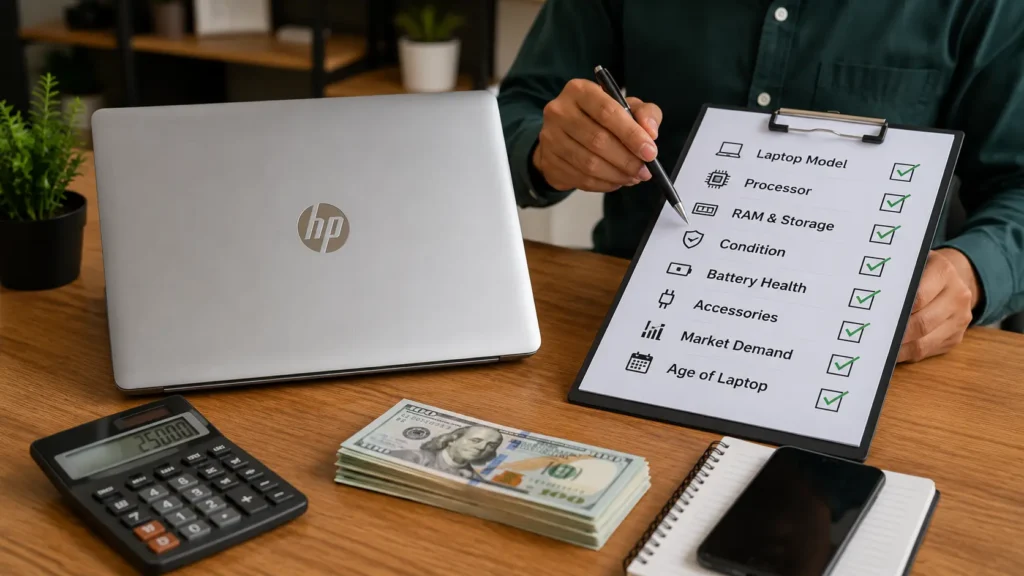
The selling price of an HP laptop depends on several important factors. Buyers usually compare the laptop’s specifications, condition, and age before making an offer. Understanding these factors helps you set a realistic price and avoid losing potential buyers.
Laptop Model
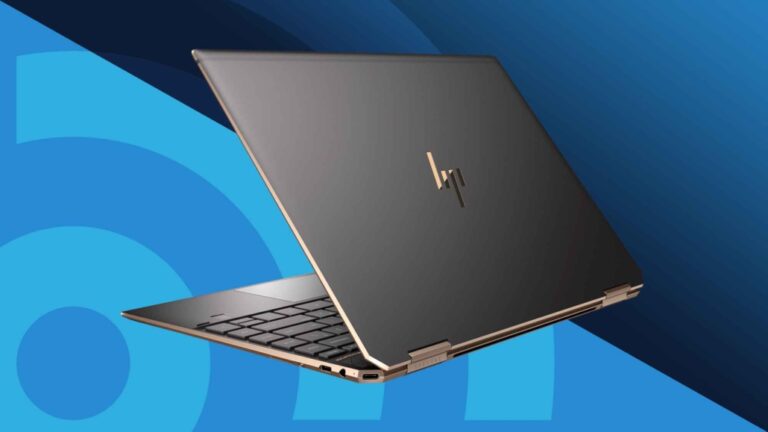
The laptop model has a major effect on its resale value. Premium models like HP Spectre or HP EliteBook usually sell for more than basic models because they offer better features and performance.
Processor And RAM
A faster processor and more RAM make the laptop more valuable. Buyers often prefer laptops with modern Intel Core i5 or i7 processors or AMD Ryzen processors, and at least 8 GB of RAM for smooth performance.
Storage Capacity
Storage size also affects the price. Laptops with larger SSDs usually sell faster because they provide quicker performance than traditional hard drives. More storage space is another advantage for buyers.
Physical Condition
A laptop in excellent condition usually receives a higher offer. A clean screen, working keyboard, and scratch-free body create a positive impression. Visible damage, broken parts, or missing keys can reduce its value.
Battery Health
Battery condition is another important factor. A battery that still holds a good charge makes the laptop more attractive. If the battery drains quickly or needs replacement, buyers may offer a lower price.
Included Accessories
Original accessories can increase your laptop’s resale value. Including the original charger, box, manuals, or extra accessories gives buyers more confidence and may help you receive a better offer.
Where Can You Sell An HP Laptop?
Choosing the right place to sell your HP laptop can help you find buyers faster and get a better price. Some options pay more but take longer, while others offer quick payments with a lower price. Compare different selling methods before making your final decision.
Online Marketplaces
Online marketplaces are one of the best places to sell an HP laptop. They let you reach many buyers and usually offer the highest selling price. Add clear photos, write an honest description, and include the laptop’s specifications. Respond to buyers quickly to improve your chances of making a sale.
Trade-In Programs
Many electronics stores and manufacturers offer trade-in programs. You can exchange your old HP laptop for store credit or a discount on a new device. This option is simple and safe, although the offer may be lower than what you would get by selling directly to a buyer.
Local Computer Stores
Some local computer stores buy used laptops or accept them for resale. This is a good option if you want quick payment and do not want to deal with online buyers. Visit more than one store to compare offers before selling.
Pawn Shops
Pawn shops may buy working HP laptops or offer a short-term loan using the laptop as collateral. They usually pay less than the market value because they need room to make a profit. If you need cash quickly, this can still be a useful option.
Friends And Family
Selling your HP laptop to friends or family can be easy because there is already trust between you and them. You can explain the laptop’s condition honestly and avoid listing fees or shipping costs. Agree on a fair price that works for everyone.
How To Sell HP Laptops Faster?
If you want to sell your HP laptop quickly, make it attractive to buyers from the beginning. A clean laptop, good photos, and a fair price can make a big difference. Buyers often compare several listings before choosing one, so your listing should stand out for the right reasons.
Being honest about the laptop’s condition also helps build trust. Mention any scratches, battery issues, or missing accessories. When buyers know exactly what they are getting, they are more likely to contact you and complete the purchase without delays.
Tips To Sell Faster
- Use clear, high-quality photos.
- Write an honest and detailed description.
- Set a fair and competitive price.
- Reply to buyer messages quickly.
- Meet buyers in a safe public place.
What Mistakes Should You Avoid When Selling?
Many sellers lose money because they make simple mistakes before listing their laptop. Forgetting to prepare the device or giving incomplete information can reduce buyer interest. Taking a little extra time before selling can help you avoid these problems.
Another common mistake is rushing the sale. Accepting the first offer without comparing prices may leave money on the table. Always research your laptop’s value and choose a trusted buyer instead of focusing only on selling as quickly as possible.
Common Mistakes To Avoid
- Forgetting to back up important files.
- Leaving personal data on the laptop.
- Setting the price too high.
- Using blurry or poor-quality photos.
- Meeting buyers in unsafe locations.
Should You Repair Your HP Laptop Before Selling?
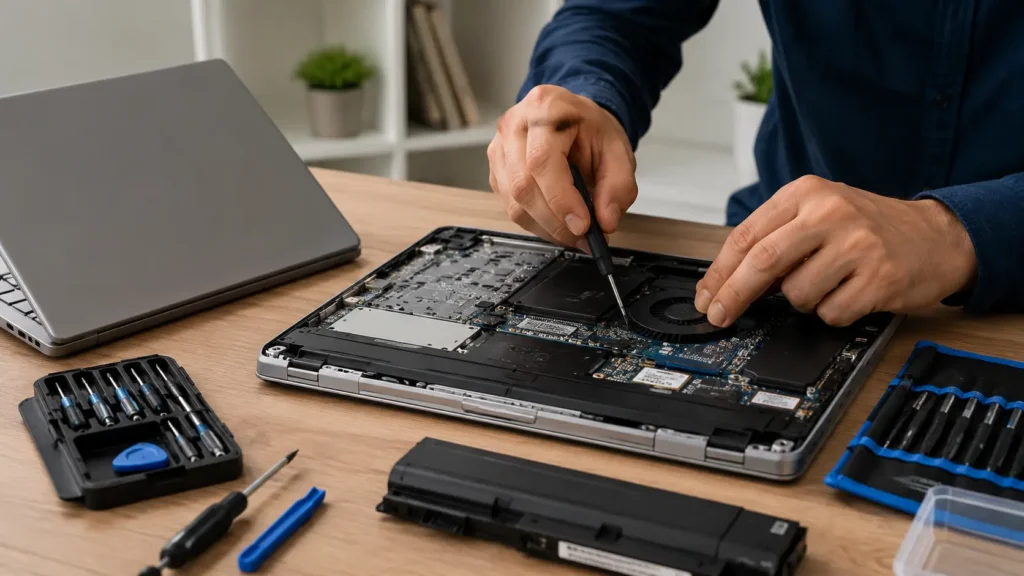
Repairing your HP laptop before selling can help you get a better price, but it is not always the best choice. If the repair is inexpensive and makes the laptop work better, it may increase buyer interest. Small fixes like replacing a broken key or installing a new battery can improve its value.
However, major repairs can cost more than the extra money you receive from the sale. If your laptop is very old or has serious hardware problems, selling it in its current condition may be the smarter option. Always compare the repair cost with the expected selling price before making a decision.
Repair It If
- The repair cost is low.
- It increases the resale value.
- The laptop has a small problem.
- The repair improves performance.
- Buyers will notice the improvement.
Sell It As Is If
- Repair costs are high.
- The laptop is very old.
- Buyers already know the condition.
- The damage does not affect basic use.
- You want to sell it quickly.
How To Stay Safe When Selling An HP Laptop?
Safety should always come first when selling your HP laptop. Whether you sell online or in person, taking a few simple precautions can protect your personal information and reduce the risk of scams. Never rush into a deal that seems suspicious or offers an unrealistic price.
Before handing over your laptop, make sure you receive full payment and remove all personal information from the device. Meeting buyers in a safe location and using secure payment methods can make the selling process smooth and worry-free.
Meet In A Safe Place
Choose a busy public location, such as a shopping center or coffee shop, when meeting a buyer. Avoid quiet or isolated places. If possible, meet during the daytime and let a family member or friend know where you are going.
Use Secure Payment Methods
Accept trusted payment methods that can be verified before giving the laptop to the buyer. Be careful with fake payment confirmations or requests to ship the laptop before receiving payment. Always confirm that the payment has been completed.
Remove All Personal Information
Before selling your HP laptop, delete your files, sign out of all accounts, and perform a factory reset. This helps protect your personal information and gives the new owner a clean device that is ready to use.
Final Verdict
Selling an HP laptop is easier when you prepare it properly before listing it for sale. Back up your files, remove personal data, clean the laptop, and set a fair price based on its condition and specifications. These simple steps can help you attract more buyers and increase your chances of getting the best value.
Take your time to compare different selling options and always choose a safe method for payment and delivery. A well-prepared HP laptop builds buyer confidence, sells faster, and helps you complete the process safely while getting the best possible return for your device.
FAQS:
1. Can I Sell My HP Laptop Without The Original Box?
Yes. You can sell your HP laptop without the original box if it is in good working condition. The original box is helpful, but it is not required to complete the sale.
2. Is It Safe To Sell An HP Laptop Without Removing Your Data?
No. It is not safe to sell an HP laptop without removing your personal data. Always back up your files and factory reset the laptop before selling it.
3. Can I Sell An HP Laptop With A Dead Battery?
Yes. You can sell an HP laptop with a dead battery, but you should clearly tell the buyer about its condition. A dead battery may lower the selling price.
4. How Long Does It Take To Sell An HP Laptop?
It depends. A well-priced HP laptop with clear photos and a good description can sell within a few days, while others may take several weeks.
5. What Documents Should I Give When Selling An HP Laptop?
Give the original charger, purchase receipt if available, and any warranty papers. These documents help buyers trust you and can make your HP laptop easier to sell.
Conclusion
Selling your HP laptop is easy when you prepare it the right way. Back up your files, remove personal data, clean the laptop, and set a fair price before listing it. Choose a trusted selling platform and stay safe during the process. Following these simple steps can help you sell faster and get the best possible value.
Written By