How to Sell an HP Pavilion Laptop? Get the Best Price 2026
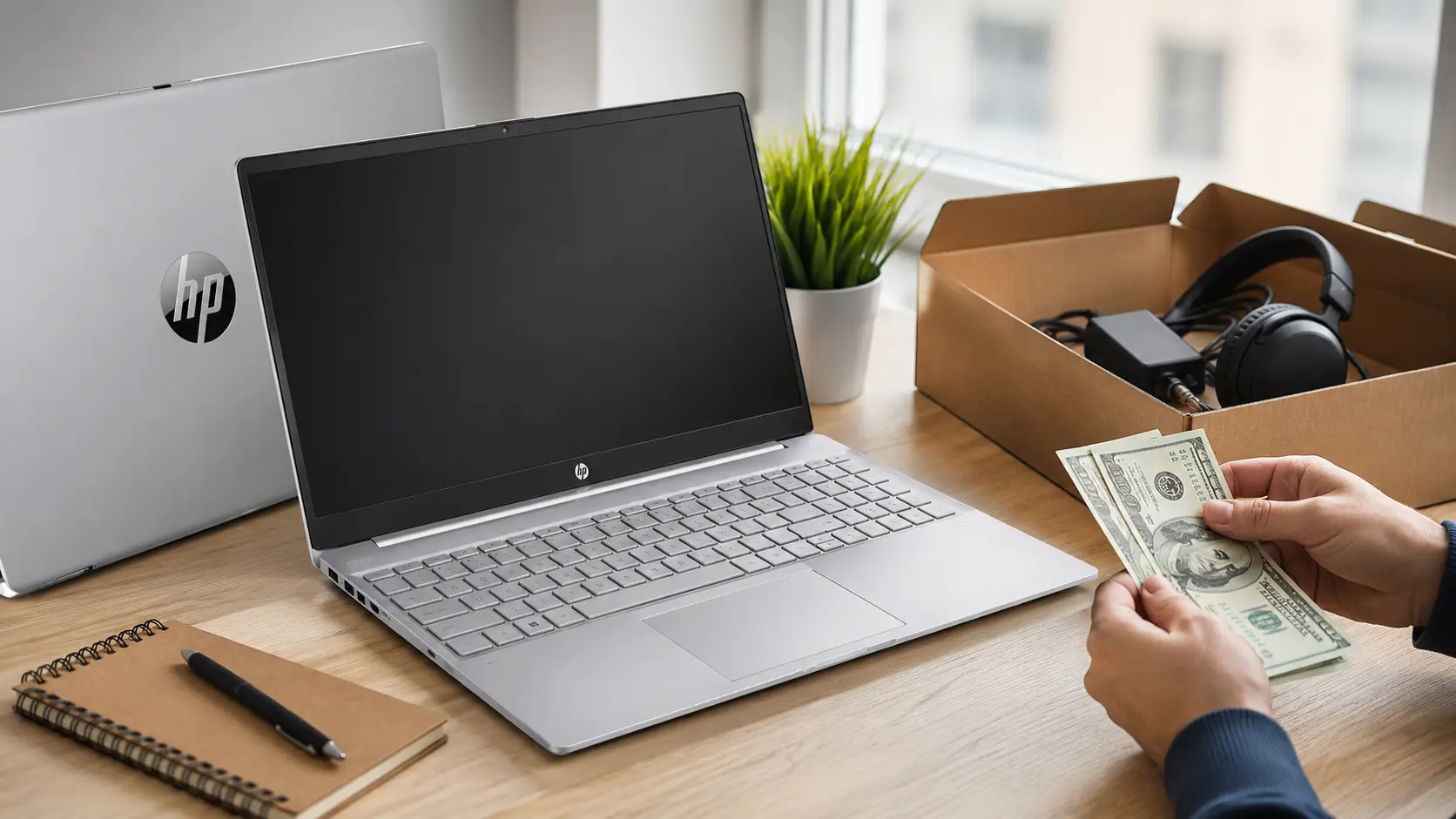
To sell an HP Pavilion laptop, check its model, age, condition, and specs. Compare prices on trusted marketplaces, clean the laptop, and remove your personal data. Take clear photos, write an honest listing, set a fair price, and sell safely.
In this guide, you’ll learn how to price your laptop, prepare it for sale, choose the right place to sell it, and avoid common mistakes. These simple tips can help you attract buyers and get a better price.
How to Sell an HP Pavilion Laptop for the Best Price
Clean your HP Pavilion, check the battery and charger, and remove personal data before selling. Compare similar listings, take clear photos, list details honestly, mention any defects, and set a fair price based on the laptop’s age and condition.
What Is the Best Way to Sell an HP Pavilion Laptop?
The best way to sell an HP Pavilion laptop is to first find the right model and specifications, then compare similar used laptops that are currently for sale. Next, clean the laptop, remove any personal information, take clear photos, and create an honest listing.
If you want more general selling tips, see our guide on How To Sell HP Laptops.
Selling directly to a buyer through a trusted marketplace can often get you more money, but it takes longer. A local computer shop or buyback service may be faster, but the offer may be lower.
Your goal is to compare at least two or three offers before making a decision. Current resale guides recommend checking market prices rather than relying solely on the laptop’s original price.
Why Does Your HP Pavilion Laptop’s Value Matter?
The value of your HP Pavilion laptop is important because it helps you set a fair selling price, avoid losing money, and make better upgrade decisions. Knowing its current value also helps you compare offers and understand whether it’s worth selling now.
Which Factors Affect Its Selling Price?
The selling price of your HP Pavilion depends on several things. Buyers typically look for:
- Intel or AMD processor
- RAM size
- Exact Pavilion model and year
- SSD or hard drive storage
- Screen size and quality
- Dedicated graphics card, if included.
- Battery health
- Physical condition
- Original charger
- Current market demand
A new Pavilion with 16GB of RAM, an SSD, a strong processor, and a healthy battery will usually attract more interest than an older model with basic hardware.
Does the Laptop’s Age Affect Its Value?
Yes, age has a big impact on resale value because newer laptops typically have faster hardware and a longer useful life.
However, age alone doesn’t tell the whole story. An older Pavilion with a good processor, SSD, 16GB of RAM, and excellent condition can still be worth more than a newer laptop with weaker features.
This is why you should compare your exact model with similar listings instead of just using the purchase date.
What Causes an HP Pavilion Laptop to Sell for Less?
An HP Pavilion laptop may sell for less because of an older processor, weak battery, damaged screen, poor condition, missing charger, or low storage. Heavy use and outdated features can also reduce its value, so check everything before setting your price.
Does Poor Condition Lower the Price?
Yes, physical and hardware condition can make a significant difference.
Cracks, deep scratches, broken hinges, damaged ports, missing keys, screen issues, overheating, and battery problems can all reduce what buyers are willing to pay. Current used laptop buying guides also list screen condition, battery health, keyboard condition, and cosmetic damage as important pricing factors.
Before listing your laptop, check the keyboard, touchpad, display, speakers, webcam, Wi-Fi, USB ports, charging port, and battery.
Do Missing Accessories Reduce the Value?
They can. The original HP charger is especially important because the buyer needs the correct charger to use the laptop safely.
The original box, manuals, purchase receipt, and other accessories can also make your listing more appealing. They may not add a lot of money to the price, but having them can help build buyer confidence.
If the charger is missing, be honest about it. Don’t hide this information from the buyer.
How Much Can You Sell an HP Pavilion Laptop For?
There is no single price for every HP Pavilion laptop. Current 2026 market data shows that Pavilion prices can vary widely depending on the model and specifications. For example, current Pakistani used market listings show Pavilion models ranging from around Rs. 40,000 to over Rs. 100,000, while US resale data puts many mid-range Pavilion models in the range of a few hundred dollars.
Use these figures as general examples, not guaranteed sale prices.
HP Pavilion Price Range by Condition
| Condition | Expected Selling Position |
|---|
| Like new | Highest price |
| Excellent | High price |
| Good | Average market price |
| Fair | Lower price |
| Damaged | Much lower price |
A clean laptop with no major damage should generally be worth more than the same model with a cracked screen or weak battery.
HP Pavilion Price Range by Age
A new HP Pavilion usually has a better resale value than an older one.
For example, a Pavilion from the last few years with a modern Core i5 or Ryzen 5 processor can still attract strong interest. Older models may need to be priced lower to compete with newer laptops.
New processors and models enter the market regularly, so older hardware loses value over time.
HP Pavilion Price Range by Specifications
Specifications can make a big difference in the final price.
| Specification | Effect on Value |
|---|---|
| 4GB RAM | Lower |
| 8GB RAM | Good for basic use |
| 16GB RAM | More attractive |
| HDD storage | Usually lower |
| 256GB SSD | Good |
| 512GB SSD | More attractive |
| Dedicated GPU | Can increase value |
| Modern Core i5 or Ryzen 5 | Strong demand |
Current resale information also shows that larger storage and stronger specifications can improve the value of the Pavilion.
Which HP Pavilion Specifications Matter Most?
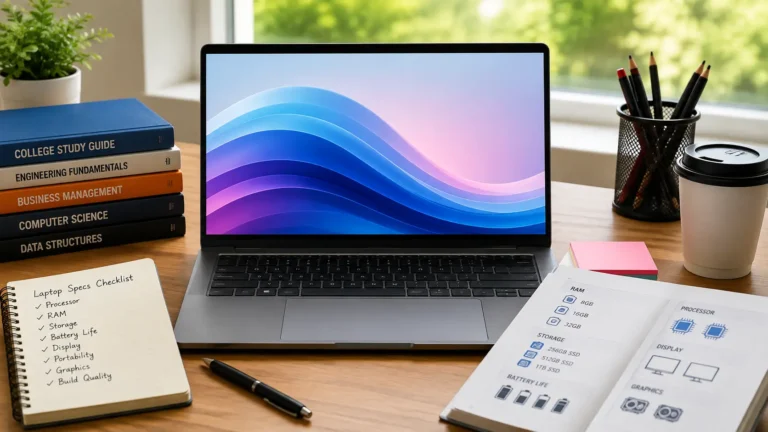
The HP Pavilion specs that matter most are the processor, RAM, storage, graphics, screen, battery health, and overall condition. A new processor, ample RAM, fast SSD storage, a good display, and a working battery generally make a laptop more useful and valuable.
Processor and RAM
The processor tells buyers how well the laptop can handle everyday tasks.
A new Intel Core i5, Core i7, or AMD Ryzen 5 or Ryzen 7 will usually be more attractive than an older entry-level processor.
RAM also matters. A laptop with 8GB can handle general tasks, while 16GB is more appealing for heavy work and multitasking.
Storage and Graphics
An SSD is usually more attractive than an older mechanical hard drive because it makes a laptop feel faster.
Storage size also matters. A 512GB SSD gives buyers more space for files, apps, and games than a 256GB drive.
A dedicated graphics card can add value, especially if the Pavilion is designed for gaming or graphics work.
Screen Size and Display Quality
Screen size can influence buyer interest. Many Pavilion models use 14-inch or 15.6-inch displays.
Check for dead pixels, lines, dark spots, flickering, or cracks before selling. A working touchscreen can also be a useful selling point on Pavilion x360 models.
Battery Health
Battery health is important because buyers don’t want to replace the battery soon after purchasing a laptop.
If possible, check the battery’s health before listing it. HP Support provides official support and diagnostic resources for HP products.
How Does Usage Affect the Selling Price?
Heavy use can reduce the resale value of a laptop because it can lead to battery failure, slow performance, scratches, or worn keys. Lightly used laptops usually sell for more, especially when they are clean, fully functional, and well-maintained.
Selling a Gaming HP Pavilion Laptop
If your Pavilion has a dedicated graphics card, it may appeal to buyers who want to play games or use demanding software.
Mention the GPU model, processor, RAM, storage, and display refresh rate in the listing. Don’t call it a gaming laptop unless its hardware is actually suitable for gaming.
Selling a Laptop for School or Work
Pavilion laptops are generally suitable for school, office work, browsing, video calls, and other everyday tasks.
Highlight useful features like good battery life, an SSD, 8GB or 16GB of RAM, a clear webcam, and a comfortable keyboard.
Selling an Idle or Rarely Used Laptop
A laptop that’s been sitting unused can still be worth a good price if it’s in excellent condition.
However, check it out before you sell it. Check the battery, charger, operating system, ports, keyboard, display, and storage. A laptop may look new but still have a battery that has aged over time.
Selling an Older HP Pavilion Laptop
Older Pavilion laptops can still sell if they work properly and have useful features.
Set realistic expectations. If newer laptops with better processors are available at similar prices, buyers will generally opt for the newer option.
When Should You Worry About Your Laptop’s Condition?
Worry about the condition of your laptop when you notice a cracked screen, weak battery, overheating, broken ports, strange noises, or frequent crashes. These issues can reduce performance, safety, and resale value, so get serious issues repaired before selling.
Signs of Hardware Problems
You should be wary if your laptop has:
- Random shutdowns
- Excessive heat
- Very short battery life
- Screen flickering
- Dead pixels
- Broken hinges
- Missing keyboard keys
- Faulty USB ports
- Slow or failing storage
Charging issues
Check these areas before setting your price.
When Battery or Screen Damage Matters
Battery and screen issues can make it difficult to sell a laptop.
A cracked screen is easily noticeable to a buyer and can lead to a lower offer. A weak battery can also reduce the price because the buyer may need to pay for a replacement.
Never hide serious damage. A clear explanation can prevent arguments after the sale.
When Repairs May Not Be Worth It
Don’t spend a lot of money on repairs just to increase the selling price.
First, compare the cost of repairs with the amount it can add to the value of the laptop. If repairs cost Rs. 20,000 but only increase the selling price by Rs. 10,000, it makes more sense to sell it as is.
If your Pavilion has serious damage, read our guide on Can I Sell A Broken HP Laptop to learn about your options.
Don’t spend a lot of money on repairs just to increase the selling price.
First, compare the cost of the repair with the amount it could add to the value of the laptop. If the repair costs Rs. 20,000 but only adds Rs. 10,000 to the selling price, it might be more reasonable to sell it that way.
Clean and Test the Laptop
Carefully clean the screen, keyboard, palm rest, and exterior. Remove dust from the vents without damaging the laptop.
Then test all the important functions before taking pictures.
Back Up and Remove Personal Data
Back up important files before selling.
Back up important files before selling. Sign out of your accounts and properly reset the laptop. For Windows devices, you can follow Microsoft’s official Windows support guidance to prepare the computer before giving it to the buyer.
Find the Exact Model and Specifications
Find the full model number from Windows settings, the laptop label, BIOS, or HP Information Tools.
Record the processor, RAM, storage, graphics, screen size, and operating system. Accurate specifications make your listing more reliable.
Check Current Market Prices
Search for the same model and similar specifications on multiple marketplaces.
Look at actual current listings and, where available, completed sales. Don’t assume that a high listing means the laptop actually sold for that amount.
Take Clear Photos
Take photos in good lighting.
Show the front, back, keyboard, screen, ports, charger, model information, and any scratches or damage. Real photos give buyers more confidence than stock images.
Write an Honest Listing
Include the exact model, processor, RAM, storage, graphics, condition, battery status, included accessories, and known issues.
A clear list saves time because buyers can decide if the laptop meets their needs before contacting you.
Choose the Right Place to Sell
Choose a selling method based on your preference.
If you want the highest possible price, it may be best to sell directly to the buyer. If you want a quick payment with less effort, a local shop or buyback service may be easier.
What Are the Best Places to Sell an HP Pavilion Laptop?
The best places to sell your HP Pavilion laptop include online marketplaces, local selling apps, computer shops, and trade-in programs. Compare offers, fees, and buyer demand before choosing. Local sales can pay more, while trade-ins are often easier.
Online Marketplaces
Online marketplaces such as Swappa can connect you with buyers who are looking for used laptops.
This can be a good option when you want to compare offers and have time to answer questions. However, watch for fake payment messages, suspicious buyers, and requests to move transactions off the platform.
Local Buyers and Computer Shops
Local computer shops can offer quick sales. You can usually show the laptop, let the shop inspect it, and receive an offer.
The main downside is that a shop needs space to resell the laptop, so its offer may be lower than a direct private sale. Some Pakistani laptop buyers are currently adding Pavilion models to their purchases and offering cash or digital payment options.
Trade-In or Pawn Options
If you’re buying a second laptop, trading in services can be easier.
Pawn shops can also provide instant cash. If you want to learn more, see our guide on Can You Pawn Laptops before choosing this option. If you don’t need the money right away, investing some extra time to find a direct buyer may yield a better return.
You can also learn more about expected offers in our guide on How Much Would a Pawn Shop Give for a Laptop
What Mistakes Should You Avoid When Selling an HP Pavilion Laptop?
Avoid selling a laptop without checking the price, hiding damage, or giving false details. Don’t forget to remove personal files, sign out of accounts, and reset the laptop. Also, avoid unclear images, unsecured payments, and shipping without proper protection.
Setting the Price Too High
A high asking price does not necessarily mean a high final price.
If similar Pavilion laptops are selling for less, your listing may receive less interest. Start with a fair market price and leave some room for general negotiation.
Hiding Problems From Buyers
Never hide cracks, battery issues, repairs, missing accessories, or hardware defects.
Being honest saves you from complaints and makes serious buyers more comfortable.
Sharing Personal Information
Remove your personal files before handing over the laptop.
Never share passwords, banking information, recovery codes, or other private details with the buyer.
Accepting Unsafe Payments
Verify that payment has actually been made before handing over the laptop to the buyer.
Don’t rely on screenshots as proof of payment. For local sales, meet in a safe public place when possible and avoid unusual payment requests.
Final Verdict: How to Sell an HP Pavilion Laptop for the Best Price
The best way to sell an HP Pavilion laptop is to know what you have, check its current market value, prepare it properly, and compare multiple selling options.
Condition, age, processor, RAM, storage, graphics, display, and battery health all affect the final price. Current resale data confirms that Pavilion values vary widely based on these factors, so there is no one price that applies to every model.
For best results, clean and test your laptop, remove your personal data, take real photos, list complete specifications, and be honest about its condition. If you are not in a hurry, compare private buyers with local shops and buyback services before accepting an offer.
A little preparation can make selling your HP Pavilion easier and help you get a price that matches its true value.
FAQS:
1. Can I sell my HP Pavilion laptop without the original box?
Yes, you can sell your HP Pavilion laptop without the original box. The box can help attract buyers, but the condition of the laptop, specs, charger, and working condition are more important.
If the laptop is clean, tested, and listed honestly, you can still get a fair price.
2. Should I sell my HP Pavilion laptop before buying a new one?
Yes, selling your HP Pavilion laptop before buying a new one can give you money for an upgrade.
Sell it first if you can manage without it, but keep it if you need it for daily work or study.
3. Will a warranty help me sell my HP Pavilion laptop faster?
Yes, a valid warranty can help you sell your HP Pavilion laptop faster because it gives buyers more confidence.
It can also help you ask for a better price, especially if there is still a good amount of time left on the warranty.
4. How long does it usually take to sell an HP Pavilion laptop?
An HP Pavilion laptop can sell in a few days if it’s priced right, in good condition, and has a clear listing. Older or more expensive models may take longer, especially if fewer buyers are looking for that exact model.
5. What information should I give a buyer before selling my HP Pavilion?
Tell the buyer the exact model, processor, RAM, storage, battery condition, and overall condition of the laptop.
Also mention other important details, including any damage, repairs, charger, so the buyer knows what they are getting.
Conclusion
Selling an HP Pavilion laptop is easy when you know its true value and prepare it properly. Check the model, condition, battery, and features before setting your price. Clean the laptop, remove your personal data, take clear photos, and compare buyer offers. Be honest about any issues, choose a secure selling method, and confirm payment before handing it over.
Written By