How to Track a Lost or Stolen Laptop (HP or Any Windows PC)
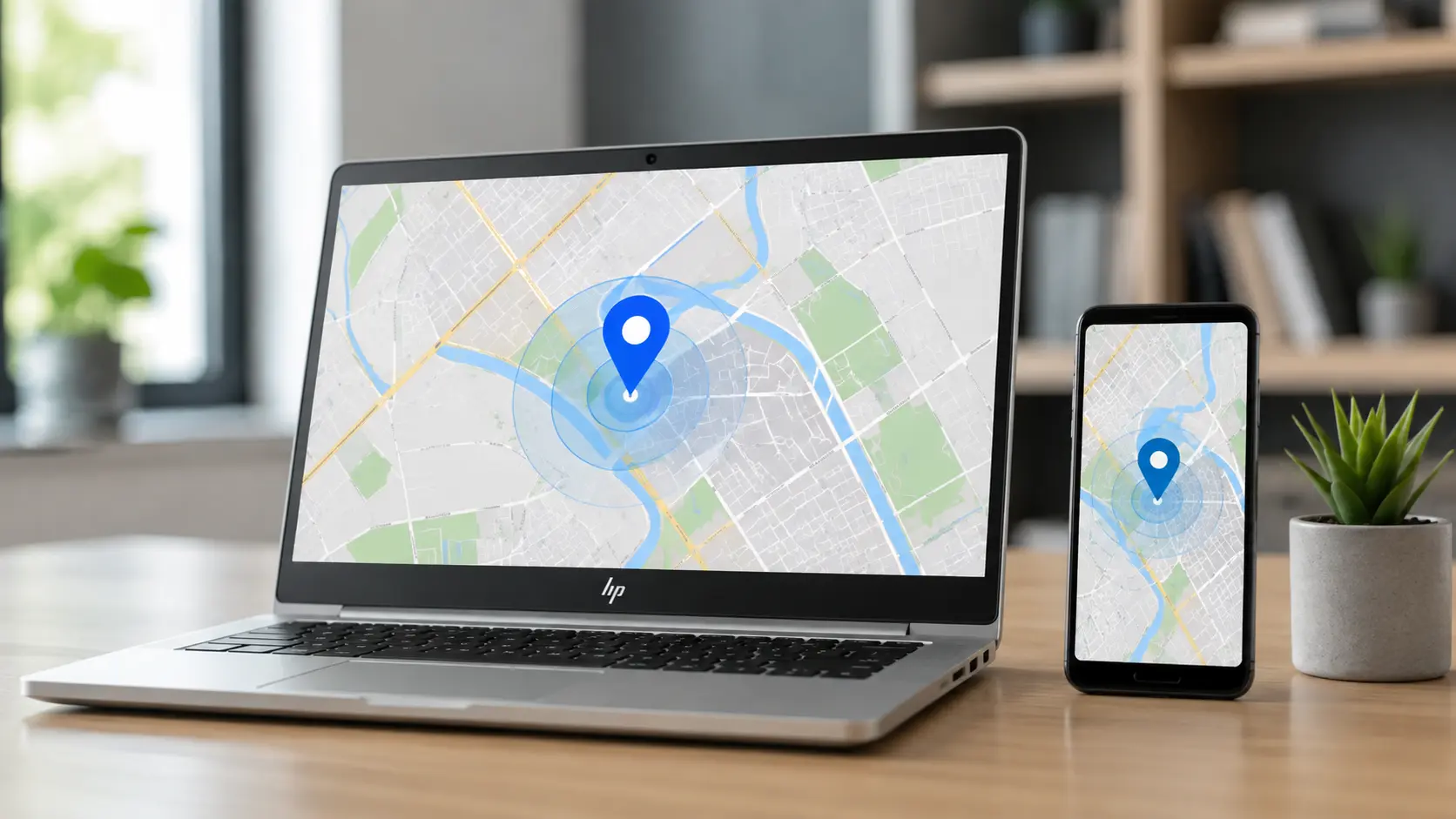
Yes, you can track a lost or stolen Windows laptop, including an HP laptop, but only if you set up Find my device before it went missing. If you did, you can see its last known location, lock it remotely, and give the police the serial number. If you did not, your options are limited, but there are still steps that help.
This guide follows Microsoft’s support page on finding and locking a lost Windows device, which we checked in October 2026. Microsoft’s page does not say how Find my device behaves when the laptop is offline, so we say what we know and what we do not. Steps that Microsoft does not list are marked as common advice.
Quick answer: what to do right now
- Go to account.microsoft.com/devices, sign in, open the Find My Device tab, and select your laptop.
- Select Find to see its location on a map, then select Lock if you are worried about your data.
- Change your Microsoft password and your important passwords, such as email and banking.
- Report the loss or theft to the police and your insurer, and give them the serial number.
Find your situation
| Your situation | What to do |
|---|---|
| You lost it and Find my device was on | Find it on the map, then lock it |
| It was stolen and Find my device was on | Lock it, change passwords, report to the police. Do not go to get it yourself |
| Find my device was off | You cannot use it now. Change passwords and report the loss |
| The laptop is offline or turned off | You may only see an old location, or none |
| You do not have a Microsoft account on it | Find my device will not work. Use the serial number and report it |
| You want to prepare for the future | Turn it on now, as in the last section |
What Find my device is and what it needs
Find my device is a Windows feature that shows the location of your Windows 10 or Windows 11 device on a map, and lets you lock it. Microsoft lists these requirements.
The requirements
- A Windows 10 or Windows 11 laptop or PC.
- You must be signed in to Windows with a Microsoft account.
- Your Windows account on the laptop must be an administrator account.
- Find my device must have been turned on before the laptop was lost.
- Location must be turned on for the device. Microsoft says that, once you set it up, the feature works even if other users on the laptop turn off location for their apps.
What it cannot do
Microsoft’s page does not explain what happens when the laptop is offline or turned off. In practice, a laptop that cannot connect to the internet cannot report where it is, so you may see only an old location. Treat the map as a clue, not as proof.
How to find and lock a lost laptop
These are Microsoft’s steps.
Find it
- On another device, open account.microsoft.com/devices and sign in with the Microsoft account used on the laptop.
- Open the Find My Device tab.
- Choose your laptop and select Find to see its location on a map.
Microsoft says that anyone using the device will see a notification each time you try to find it. So the person who has the laptop may know that you are looking.
Lock it
- When the laptop appears on the map, select Lock, then Next.
- After it locks, reset your Microsoft account password for more security.
Locking stops other people from using the laptop with a different account, but it does not erase your files.
What to do if the laptop was stolen
As well as locking it, take these steps. Microsoft’s page advises reporting a theft to the police and your insurer, and including the serial number.
Do not try to get it back yourself
If the map shows where it is, give the location to the police. Do not go there alone. This is common safety advice, not a Microsoft step.
Find the serial number
Microsoft says you can find the serial number at account.microsoft.com/devices, under Info and support. You can also find it on a label on the bottom of the laptop, or on the original box or receipt. For an HP laptop, HP’s support site explains how to find the serial number and product number on your model. See HP’s computer support page.
Report it
Call the police and give them the serial number, the model, the time and place of the loss, and any location from the map. Get a report number, because your insurer will ask for it. Contact your insurance company, and check if your home or renter’s insurance covers laptops.
Secure your accounts
Change your Microsoft password, your email password and your banking passwords, from another device. Sign out of your accounts on other devices, and turn on two-step verification if you have not. If the laptop had saved logins, treat them as exposed until you change them.
If Find my device was not turned on
You cannot use the map, but you still have options. These are common advice, not Microsoft steps.
Check other tools
If the laptop is a work or school device, tell your IT team at once. They may be able to lock it or track it. If you installed a tracking or security app, such as one from the maker or a security company, sign in to its website and check.
Check your online accounts
Look at the recent sign-in activity of your Microsoft, Google and other accounts. A new sign-in from an unknown place may show where the laptop is being used. Our guide does not cover recovery of accounts, so use each service’s own help.
Watch resale sites
Sometimes stolen laptops appear on resale sites. Do not contact the seller yourself. Give the serial number and any link to the police.
Do not rely on a serial number alone to track it
A serial number identifies a laptop, but it does not show where it is. The maker or the police can only use it for records. It helps prove that you own the laptop.
What about tracking a laptop after a reset?
Microsoft’s page does not say what happens if a laptop is reset or reinstalled. In general, a reset can remove the laptop from your account, which can stop Find my device from showing it. So do not count on tracking after a reset. This is why locking quickly, and reporting the serial number, matters.
How to protect your laptop before it is lost
Turn on Find my device
Open Settings > Privacy & security > Find my device and turn it on. Make sure you are signed in with a Microsoft account, and that location is on. Microsoft’s page has a link to the Find my device settings.
Keep a record
Write down the serial number and model, and keep a photo of the label. Keep the receipt.
Protect your account
Use a strong password and two-step verification on your Microsoft account. Set a sign-in password on the laptop, and lock it when you leave it.
Encrypt the drive
If your edition of Windows supports device encryption or BitLocker, turn it on. Encryption means that someone who removes the drive from a stolen laptop cannot read your files without the key. Check Settings > Privacy & security > Device encryption, or ask your PC maker. Keep your recovery key safe in your Microsoft account or on paper. This is common security advice, not part of Microsoft’s Find my device page.
Back up your files
A backup means that a lost laptop does not mean lost files. Microsoft’s page on backing up and restoring with Windows Backup explains how.
Be careful in public
Do not leave a laptop in a car or unattended in a cafe. A cable lock helps in some places. This is common advice.
Frequently asked questions
Can I track my HP laptop from my phone?
Yes. Sign in at account.microsoft.com/devices in a phone browser, and use the Find My Device tab. You need the same Microsoft account.
Does Find my device work if the laptop is turned off?
Microsoft’s page does not say. A laptop that is off or offline cannot report its location, so you may see only an old location or nothing.
Will the thief know that I am tracking the laptop?
Microsoft says that anyone using the device sees a notification each time you try to locate it. So yes, they may.
Can I track a laptop with only its serial number?
No. The serial number does not give a location. It does help the police and the maker to identify the laptop.
Does changing my Microsoft password stop Find my device?
No. You should change your password after locking the laptop. Find my device is tied to your account, so you can still sign in with the new password to see the device.
Can my employer track my laptop?
A work laptop can be managed by your employer. Read our guide on whether an employer can track your laptop’s location.
What should I do first if my laptop is stolen from a car or a bag?
Lock it with Find my device, change your passwords, and call the police to report it. Then tell your insurer. Do the lock first, because every hour counts for your data.
Can the police find my laptop using Find my device?
The police can use the location and the serial number that you give them, but they decide if and how to act. You can share what Find my device shows, but do not act on it yourself.
Is there any other way to protect a laptop?
Use a sign-in password, keep your laptop with you, and consider a tracking or security app from your laptop’s maker or a trusted security company. Read the privacy terms of any app before you install it.
Sources
- Microsoft: Find and lock a lost Windows device
- Microsoft: Back up and restore with Windows Backup
- HP: Computer support
Last updated: October 2026