How Heavy Are HP Laptops? Weights by Model (2026 Guide)
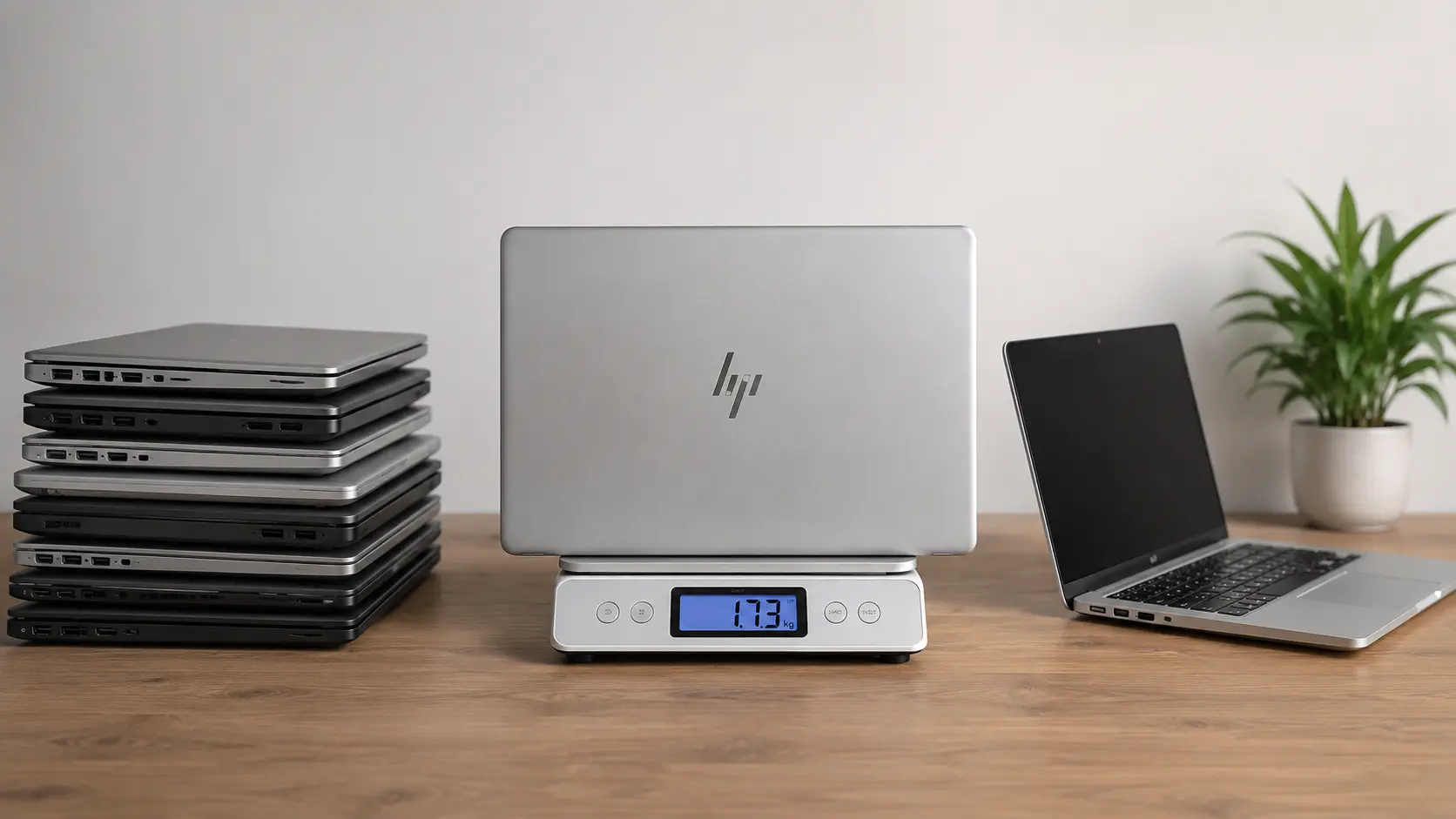
Most current HP laptops weigh between about 2.8 and 5.4 pounds (1.3 to 2.4 kg). Thin OmniBook laptops sit near 2.8 pounds, a 15.6 inch everyday model is about 3.75 pounds, and a 16 inch gaming laptop is more than 5 pounds. This guide gives the weights we could confirm on HP’s own product pages, explains why the numbers differ, and shows how to find the exact weight of the laptop you are looking at.
We read the product pages in October 2026. We have not weighed these laptops ourselves, so every figure is the maker’s listed weight. HP says weight and dimensions can change with the configuration and with manufacturing differences.
Quick answer: how heavy is an HP laptop?
- Thin 14 inch laptops: about 2.8 pounds (1.3 kg).
- Everyday 15.6 inch laptops: about 3.75 pounds (1.7 kg).
- 16 inch gaming laptops: about 5.4 pounds (2.4 kg) or more.
- The charger and the box add more, so your real load is heavier than the listed weight.
HP laptop weights we checked
| HP model | Screen | Listed weight | Notes |
|---|---|---|---|
| HP OmniBook Ultra 14 | 14 inch | 2.83 lb (1.28 kg) | Premium thin model |
| HP OmniBook 5 14 (Snapdragon X) | 14 inch | 2.84 lb (1.29 kg) | Everyday student model |
| HP OmniBook 3 15 | 15.6 inch | 3.75 lb (1.70 kg) | Entry model |
| HP OMEN 16 (RTX 5050) | 16 inch | 5.36 lb (2.43 kg) | Gaming laptop |
These are the weights on the product pages for one configuration of each model. A different processor, battery or screen can change the number a little. The kilogram figures are our conversions from pounds.
Why the listed weights differ
HP’s pages carry a footnote that weight and system dimensions may fluctuate due to configuration and manufacturing variances. In plain words, two laptops with the same name can differ slightly.
Two more things cause confusion:
- Starting weight versus real weight. Some makers list the lightest version. A model with a touchscreen or a bigger battery can weigh more.
- Laptop weight versus package weight. HP lists the package weight separately. The OmniBook 3 15 page shows 3.75 lb for the laptop and 5.05 lb for the package. The OMEN 16 page shows 5.36 lb and 8.33 lb. Do not mix the two when you compare laptops.
Weight by screen size
Screen size gives a good first guess, but not a perfect one. Use these as rules of thumb based on the models above, then check the exact model.
13 and 14 inch laptops
These are the lightest. The two 14 inch HP models above are both close to 2.8 pounds. They are easy to carry all day.
15 and 16 inch laptops
A 15.6 inch laptop is often around 3.5 to 4 pounds, as the OmniBook 3 15 shows at 3.75 pounds. A 16 inch laptop can be light or heavy. A thin work model is far lighter than a gaming model like the OMEN 16.
17 inch and larger laptops
Larger chassis give room for a bigger screen and stronger cooling, so they are usually heavier. They suit a desk better than a backpack.
What makes a laptop heavier
- Screen size. A larger screen needs a larger frame.
- Battery. A bigger battery adds weight but gives longer use.
- Cooling. Powerful processors and graphics cards need larger fans and heat pipes.
- Graphics card. A dedicated graphics card adds parts and cooling. This is why the OMEN 16 weighs so much more than a thin OmniBook. If you wonder whether you can swap the graphics card later, read our guide on changing an HP laptop graphics card.
- Materials. Metal feels stronger, but a thin plastic body can weigh less than a thick metal one.
- Touch screen and 2-in-1 hinges. These add parts.
Is 3, 4 or 7 pounds heavy for a laptop?
Is a 3 pound laptop heavy?
Three pounds is about 1.36 kg, which most people call light. The thin 14 inch HP models above are close to this.
Is a 4 pound laptop heavy?
Four pounds is about 1.81 kg. It is fine for a daily bag, but you will feel it if you walk a lot. A 15.6 inch laptop like the OmniBook 3 15 is just under this.
Is a 7 pound laptop heavy?
Seven pounds is about 3.2 kg. That is heavy. It is better kept on a desk, and the charger will add more weight.
Does the listed weight include the charger?
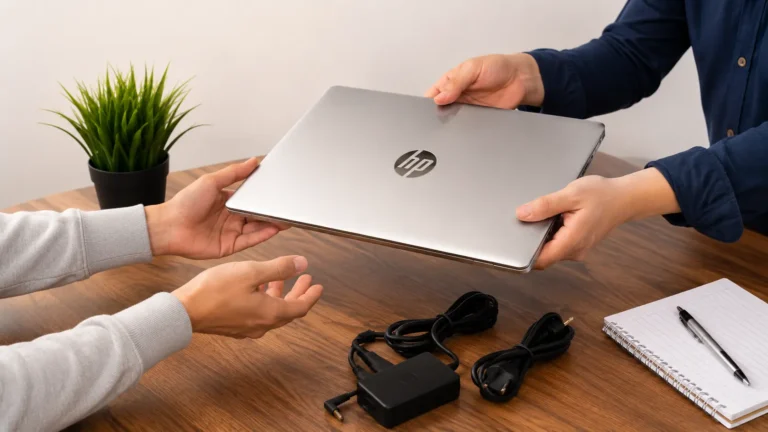
No. The listed weight is for the laptop alone. Your bag may also hold the charger, a mouse, a case and other items. A 3 pound laptop can easily become a 4.5 pound load. Gaming laptops often have large chargers, so weigh the full kit if travel matters to you.
HP compared with Dell
Dell’s own pages give a useful comparison. Dell says its Dell Pro Premium starts at 2.36 pounds and the Dell Pro Max 14 starts at 3.95 pounds. Those are Dell’s starting weights, and they come from the Dell Pro and Dell Pro Max lines. Our guide on Dell Pro and Dell Pro Max laptops explains the difference.
The lesson is the same for both brands. Thin business and student laptops are light. Workstations and gaming laptops are heavier because of cooling and graphics.
How to find the exact weight of your HP laptop
- Find the full model name on the sticker under the laptop, or press Windows + R, type
msinfo32, and press Enter to see System Model. - Search for that model on HP’s support site and open its specifications page. The weight is listed there.
- For the real number, put the laptop and charger on a kitchen scale.
If you are comparing laptops in a shop, ask for the model number first, because the same series can come in several weights.
What weight is right for you?
For students
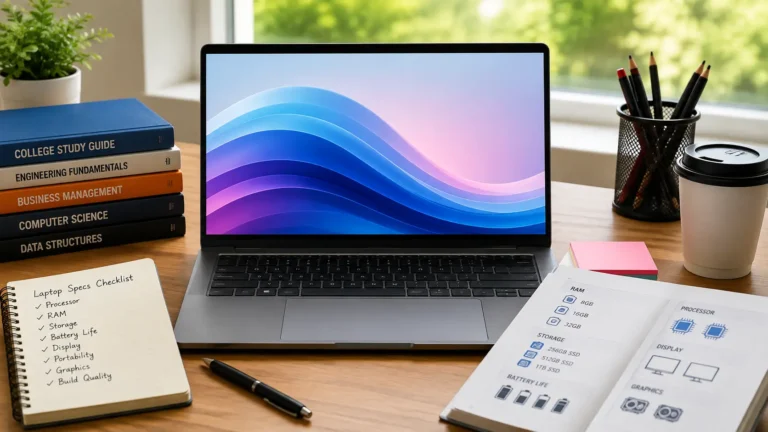
A laptop around 3 pounds is easy to carry between classes. Our guide on what laptop specs students need covers memory, storage and battery too.
For travel and remote work
Choose a thin 13 or 14 inch model, and weigh the charger. Every extra pound feels bigger after a day of walking.
For gaming and heavy work
Accept the extra weight. A gaming laptop around 5 pounds is normal. Keep it cool, as our guide on keeping a gaming laptop cool explains.
Tips for carrying a laptop comfortably
- Use a padded sleeve and a backpack, not a thin shoulder bag.
- Carry the charger only when you need it.
- Put the heaviest item close to your back.
- Take the laptop out of the bag when you sit for long periods.
Weight classes: what you gain and what you give up
| Weight class | What you gain | What you give up |
|---|---|---|
| Under 3 lb (1.4 kg) | Easy to carry all day, fits small bags | Often less powerful, fewer ports, limited upgrades |
| 3 to 4 lb (1.4 to 1.8 kg) | Good balance of screen size and comfort | A little heavier in a bag |
| 4 to 5 lb (1.8 to 2.3 kg) | Bigger screen, often stronger parts | You notice it on long walks |
| Over 5 lb (2.3 kg) | Strong graphics and cooling | Heavy, large charger, short battery away from a desk |
Weight, battery and performance go together
Weight is a trade-off, not a quality score. A lighter laptop usually has a smaller battery or a smaller cooling system. A heavier laptop usually has more power, but it needs a bigger charger.
Light laptops and battery life
Thin laptops often use efficient processors, so they can last a long time on a small battery. Check independent reviews for real battery results, because makers measure battery life in ideal conditions.
Heavy laptops and performance
A heavier laptop can keep its speed up for longer, because larger fans keep the processor cool. This matters for games, video editing and 3D work, and it is why the extra weight is often worth it for those jobs.
A checklist for comparing laptop weights fairly
- Compare laptop weight with laptop weight, not with package weight.
- Compare the same screen size, or you will be comparing different jobs.
- Look at the exact model number and the configuration, not only the series name.
- Add the charger when you compare travel laptops.
- Check the battery size and screen type as well, because they affect weight and use time.
- If the weight matters a lot to you, hold the laptop in a shop, or buy from a seller with an easy return policy.
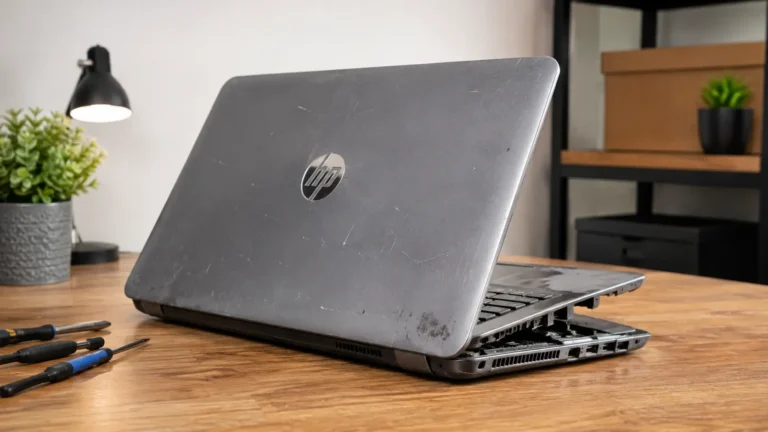
If you also plan to sell an older laptop when you upgrade, our guide on how to sell an HP laptop explains how to prepare it. For a wider look at HP’s current families, see our HP laptop lineup guide.
Common mistakes when judging laptop weight
- Trusting the screen size alone. A thin 16 inch laptop can weigh much less than an older 15 inch one with a big battery.
- Forgetting the charger. Add it before you decide a laptop is light enough.
- Comparing a starting weight with a real weight. A fully loaded model can be a little heavier than the lightest one in the range.
- Buying the lightest laptop without checking the ports and battery. Very thin laptops sometimes have fewer ports and smaller batteries.
- Ignoring how you carry it. A good backpack makes a 4 pound laptop feel lighter than a thin shoulder bag does with a 3 pound one.
Frequently asked questions
How much does an average HP laptop weigh?
HP sells many sizes, so there is no single number. Our checked models range from about 2.8 pounds to 5.4 pounds.
What is the lightest HP laptop?
We cannot name one for certain, because HP changes its range often. Look at the 13 and 14 inch OmniBook Ultra and OmniBook X pages for the lowest weights.
Are gaming laptops always heavy?
Usually, yes. They need more cooling and bigger batteries. The OMEN 16 we checked is over 5 pounds.
Does a touch screen make a laptop heavier?
It can add a little, because of the extra layers in the screen.
Where do these weights come from?
They come from HP’s product pages for the listed models. HP says the real weight can vary slightly by configuration.
Sources
- HP: OmniBook 5 Next Gen AI 14 product page
- HP: OmniBook Ultra Next Gen AI 14 product page
- HP: OmniBook 3 Next Gen AI 15.6 inch product page
- HP: OMEN 16 product page
- Dell: Dell Transforms AI PC Portfolio for Anywhere Productivity
- Dell: Performance Redefined with New Dell Pro Max Laptops
Last updated: October 2026