What Does G Mean in HP EliteBook and ProBook Names? (Explained)
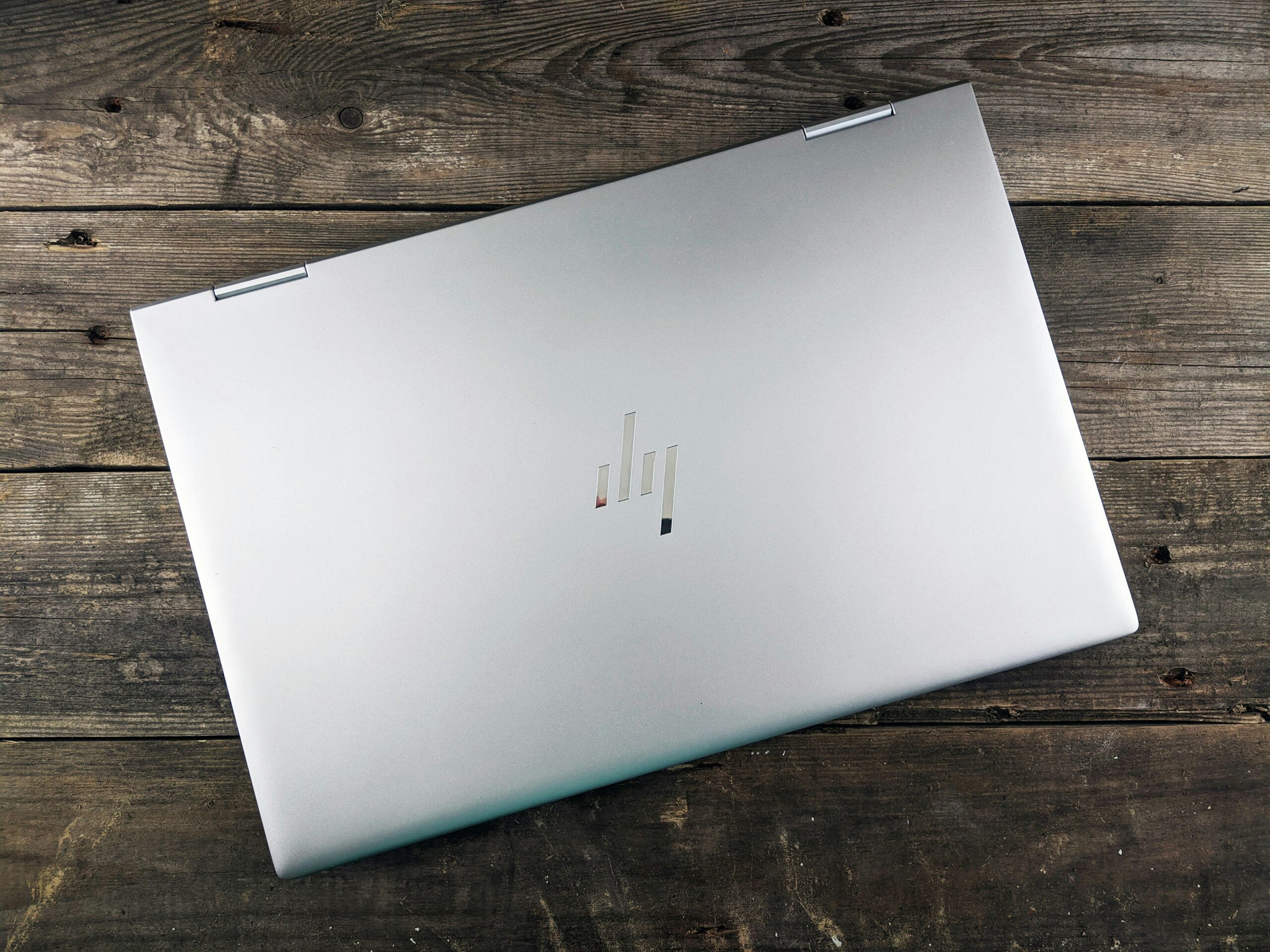
The “G” in an HP EliteBook or ProBook name stands for generation. HP EliteBook 840 G5 means the fifth generation of the EliteBook 840, and an 840 G8 is a newer, later model. This guide explains how to read these names, how the naming changed in 2025, and what to check if you are thinking of buying an older model such as the EliteBook 840 G5.
The facts come from an HP support community answer, Wikipedia’s HP EliteBook page, a Notebookcheck article from July 2025, and Microsoft’s own pages, which we read in October 2026. We have not used or tested these laptops ourselves, so this is a buying guide and not a review.
Quick answer: what does G mean in HP laptops?
- G = generation. A higher number is a newer model of the same laptop.
- The number after the series, such as 840 or 450, tells you the family and screen size.
- Since 2025, HP uses names such as EliteBook 8 G1i, where the last letter shows the processor maker: i for Intel, a for AMD, q for Qualcomm.
- Before you buy an older model, check that its exact processor works with Windows 11.
What the G stands for
An answer in HP’s support community says plainly that the G stands for generation, and that the number tracks the Intel processor generation. Its example is that the EliteBook 850 G1 has Intel 4th generation Core processors. The answer comes from a community member with an HP Recommended badge, so treat it as a helpful guide rather than an official HP rule.
Wikipedia’s page on the HP EliteBook says the G-number indicates the generation of the product. It also says HP changed the naming in the 2013 to 2014 generation, when the 800 series G1 models were announced in October 2013.
The link between the G-number and the processor generation is a handy rule of thumb. It is not exact. Many models offer more than one processor generation, as the EliteBook 840 G5 example below shows.
How to read an EliteBook model name
Take the name EliteBook 840 G5.
| Part | What it means |
|---|---|
| EliteBook | The business laptop family |
| 8 | The 800 series, HP’s premium business range |
| 4 | Screen size, here 14 inch (Wikipedia says the second-last digit relates to screen size) |
| 0 | Intel processor (Wikipedia says models ending in 5 use AMD) |
| G5 | Fifth generation |
Using the same rule, an 850 is a 15 inch Intel model, and an 845 is a 14 inch AMD model. Always confirm on HP’s product page, because HP does not always follow its own pattern.
EliteBook and ProBook: what is the difference?
EliteBook is HP’s premium business line. It focuses on security, remote management, durability and battery life. ProBook is the lower-priced business line, aimed at small businesses, schools and everyday work. Both use the G-number to show the generation.
Which one should you choose?
If you need strong security features and a lighter, tougher build, look at EliteBook. If you want a business laptop that costs less, look at ProBook. For a plain overview of all current HP families, read our HP laptop lineup guide.
HP’s newer naming from 2025
HP changed its business names in 2025. Notebookcheck’s July 2025 article describes models such as the EliteBook X G1i 14, the EliteBook Ultra G1i 14 and the EliteBook X G1a 14.
- i means Intel, a means AMD and q means Qualcomm.
- G1 appears in every name. The article does not explain it, but it works like the older G-numbers, with the count starting again at 1.
- X and Ultra are the premium tiers. The article says the Ultra is the thinnest, with an OLED screen as standard.
- Windows Central’s May 2026 guide lists the EliteBook tiers as Ultra, X, 8 and 6, and the ProBook tiers as 4 and 2.
This means a new EliteBook 8 G1i is not a “G1” of the old kind. It is a new generation of a renamed family, and it is much newer than an old 840 G5.
Does a higher G always mean a better laptop?
Within one family, a higher G usually means newer parts, such as a newer processor, a better screen or faster ports. But the G-number alone does not tell you how good a laptop is.
- A G8 with a low-end processor and little memory can feel slower than a G7 with a stronger processor.
- Two laptops with the same G can have different screens, memory and storage.
- A used laptop’s age and battery wear matter as much as its generation.
So always read the full configuration, not only the model name.
Example: the HP EliteBook 840 G5
Wikipedia says the EliteBook 830, 840 and 850 G5 were announced in February 2018. For the 840 G5 it lists a 14 inch screen, a weight of about 1.48 kg (3.3 lb), and graphics options of Intel HD Graphics 620 or an optional AMD Radeon RX 540.
The processor options were Intel’s 7th generation Core i5 and i7 chips, such as the i5-7200U, and 8th generation chips, such as the i5-8250U. That mix matters, as the next section explains.
Should you buy an older EliteBook in 2026?
An old EliteBook can be a good budget buy, but only if you check four things.
1. Does the processor work with Windows 11?
Microsoft ended support for Windows 10 on October 14, 2025. Windows 11 needs a supported processor. Microsoft’s list of supported Intel processors starts with 8th generation Core chips and does not include 7th generation ones. So an 840 G5 with an 8th generation chip should be on the list, but one with a 7th generation chip may not be. Check the exact chip name in Windows under Settings > System > About, and match it against Microsoft’s list.
2. How healthy is the battery?
A 2018 laptop usually has an old battery. Ask for battery health, or plan to buy a new one.
3. What storage and memory does it have?
Look for a solid-state drive and at least 8 GB of memory. Our guide on whether 8 GB on a laptop is good explains when that is enough.
4. Can you still get updates and drivers?
Search HP’s support site for the exact model and confirm that drivers and BIOS updates are available.
If these checks pass and the price is low, an older EliteBook can be a sensible choice. If they fail, a new budget model is usually better value.
Checklist for buying a used HP business laptop
- Ask for the full model name and serial number, and look it up on HP’s support site.
- Check the processor generation against Microsoft’s Windows 11 list.
- Test the keyboard, trackpad, ports, speakers and webcam.
- Look at the screen for dead pixels and scratches.
- Check the battery health and the charger.
- Make sure the laptop is not locked to a company or school account.
- Buy from a seller that offers a return period or warranty.
How to find your own HP model name
- Look at the sticker on the bottom of the laptop. It usually shows the product name and serial number.
- Or press Windows + R, type
msinfo32, and press Enter. System Model and Processor are shown. - Or enter the serial number on HP’s support site. You will get the exact model and its drivers.
If you plan to sell a laptop you no longer use, read our guide on how to sell an HP laptop.
Quick reference: reading HP names
| Model name | How to read it |
|---|---|
| EliteBook 840 G5 | 800 series, 14 inch, Intel, fifth generation |
| EliteBook 850 G7 | 800 series, 15 inch, Intel, seventh generation |
| EliteBook 845 G8 | 800 series, 14 inch, AMD, eighth generation |
| ProBook 450 G9 | ProBook 400 series, 15 inch, ninth generation |
| EliteBook X G1i 14 | New naming, X tier, first generation, Intel, 14 inch |
| EliteBook Ultra G1q 14 | New naming, Ultra tier, first generation, Qualcomm, 14 inch |
These readings follow the pattern described above. If a name looks different, check HP’s product page for the real details.
Common mistakes when reading HP model names
- Thinking G5 means a 5th generation Intel chip. The EliteBook 840 G5 was sold with both 7th and 8th generation chips, so the G-number is only a rough guide.
- Assuming the same model name means the same parts. Memory, storage, screen and processor all vary inside one model.
- Ignoring the suffix letters. In HP’s newer names, i, a and q tell you which processor maker the laptop uses, and that affects which apps run well.
- Mixing old and new G-numbers. An EliteBook 8 G1i is much newer than an EliteBook 840 G5, even though G1 is a smaller number than G5.
- Trusting a seller’s title without checking the label. Compare the listing with the sticker on the laptop and the details in Windows.
Why the exact model matters for parts and repairs
The G-number also matters when you buy parts. A battery, charger, keyboard or memory module for an 840 G5 may not fit an 840 G7, even though both are called EliteBook 840. Before you order a part, search for it with the full model name, including the G-number, and match it against the part number on your laptop. The same goes for drivers: always download them for the exact model and Windows version from HP’s support site.
Frequently asked questions
Is a higher G number always better?
Usually it means a newer model, but check the processor, memory and storage as well.
What does 840 mean in EliteBook 840 G5?
The 8 shows the 800 series, and the 4 shows a 14 inch screen. The last 0 shows an Intel processor.
What does G1i or G1a mean?
The G1 is the generation number, and i or a shows Intel or AMD. A q means Qualcomm.
Can an EliteBook 840 G5 run Windows 11?
Only if it has a supported processor. The 8th generation Intel chips are on Microsoft’s list. The 7th generation ones are not.
Is ProBook worse than EliteBook?
ProBook costs less and is built to a simpler standard. EliteBook is the premium range.
Sources
- HP Support Community: HP EliteBook, what do G1, G2, G3 mean?
- Wikipedia: HP EliteBook
- Notebookcheck: Some of HP’s best 14-inch EliteBook laptops are also the most confusing to name (July 2025)
- Windows Central: How to choose the best HP laptop
- Microsoft Learn: Windows 11 supported Intel processors
- Microsoft: Windows 10 support ended on October 14, 2025
Last updated: October 2026