Computer Repair Technician Near Me Guide: 7 Proven Tips 2026
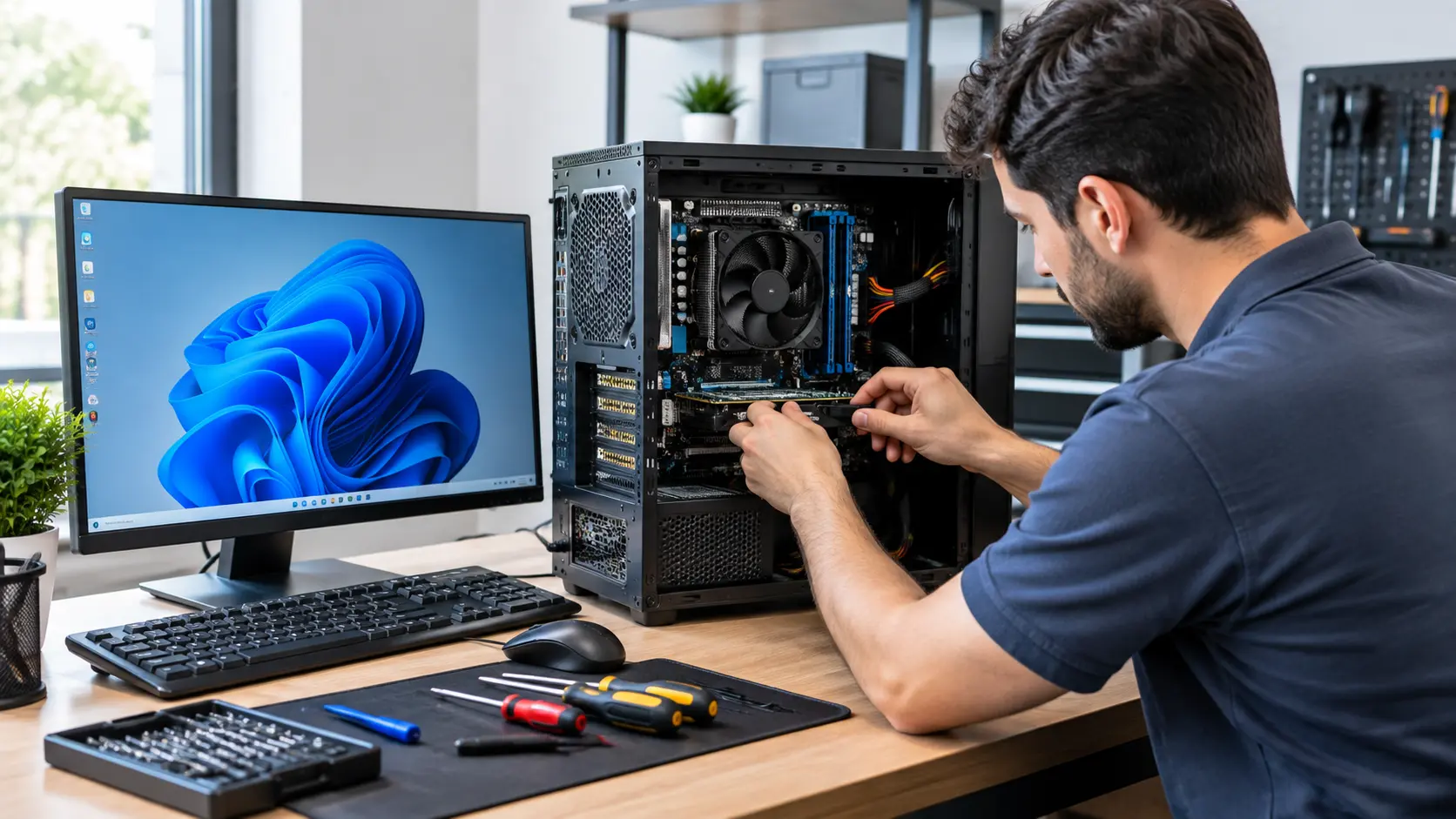
Finding a Computer Repair Technician Near Me is easier when you know what to check before choosing a repair service. Compare local reviews, repair prices, diagnostic fees, repair time, warranty terms, and data protection before handing over your computer.
This guide explains how to find a reliable computer repair technician near you, what problems they can fix, how much repairs may cost, and what to ask before approving the work.
Computer Repair Technician Near Me: What Can a Local Tech Fix?
When searching for a computer repair technician nearby, you are typically seeking help for a computer that is slow, broken, overheating, failing to turn on, or exhibiting a fault you cannot fix yourself.
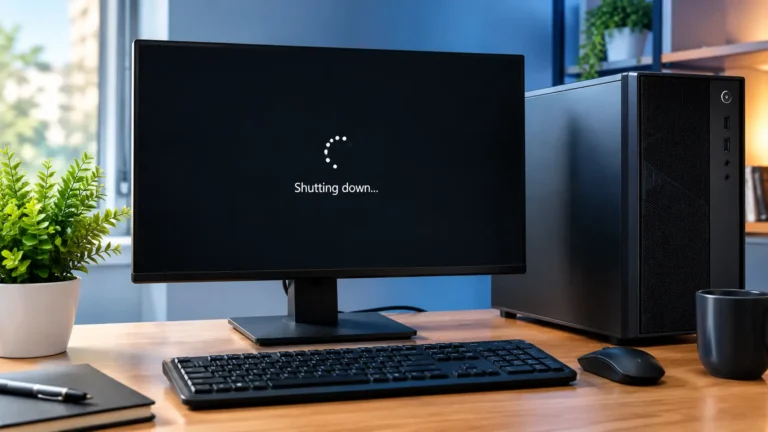
If your computer shuts down automatically during use, overheating, power problems, or hardware faults may need to be checked.
A local technician can diagnose issues with both desktop computers and laptops. Depending on the problem, they can repair hardware, replace RAM or SSDs, remove malware, resolve Windows errors, fix Wi-Fi connectivity issues, recover data, or optimize system performance.
A competent technician should diagnose the root cause of the problem before replacing any parts. Some repair services offer on-site visits, while others require you to bring the computer to their shop. Common services provided include troubleshooting boot issues, overheating, Windows errors, malware removal, hardware replacement, networking support, and data recovery.
The right choice depends on the specific problem, your location, your budget, and how quickly you need your computer back.
7 Proven Tips to Find a Computer Repair Technician Near You
Finding a technician nearby is easy, but selecting one you can trust requires a bit more caution. Therefore, be sure to keep these seven points in mind before handing over your computer.
1. Search for the Right Type of Computer Repair
Instead of just looking for a general repair shop, first search for your specific issue.
For example, you could search for:
- Computer repair near me
- Laptop repair near me
- Fixing a computer that won’t turn on
- Virus removal near me
- Data recovery near me
- Gaming PC repair near me
This helps you find technicians who regularly fix problems similar to yours.
2. Check Local Reviews and Ratings
Read recent reviews before choosing a repair service. Pay attention to the quality of repairs, pricing, communication style, and whether the technician returned the device on time.
Do not rely solely on the ‘star rating.’ Read multiple reviews to see if there are any common themes or recurring points in people’s experiences.
3. Compare Repair Services and Prices
Ask at least two repair services what they charge for the same type of work.
Compare the following:
- Fault diagnosis fee
- Labor costs
- Cost of replacement parts
- Data recovery costs
- On-site service fee
- Warranty terms
A very low price is not always better if the service provider uses substandard parts or fails to explain exactly what repairs are being performed.
4. Ask About Diagnostics Before Paying
A reliable technician should first identify the cause of the problem.
Ask this question:
Will you perform a computer diagnosis before replacing any parts?
Some repair shops charge a separate diagnostic fee, while others include it in the repair cost. Ask about the fee before leaving your computer and request a written estimate before approving expensive repairs.
5. Check Experience, Warranty, and Parts
Ask the technician about their experience with your computer’s brand and the specific problem you are facing.
Also, ask whether the replacement parts being used are new, used, refurbished, or genuine (original equipment). Most importantly, inquire about the warranty provided after the repair.
A written warranty gives you a clear record of what is covered should the repaired part fail again.
6. Protect Your Files and Personal Data
Your computer may contain photos, documents, saved passwords, work-related files, and financial information.
Before the repair:
- Back up important files if possible.
- Inform the technician which files are important.
- Ask if the data on your drive will be erased.
- Do not provide unnecessary passwords.
- Ask how your data will be protected.
If there is a possibility of a fault in the storage drive, inform the technician about it before the repair. During the proper repair process, a copy of important data can be made before work begins on the drive.
7. Confirm the Repair Time and Service Location
Find out where the repair will be performed and when you can expect to get your computer back.
Minor software-related issues can often be resolved on the same day. Repairs requiring the procurement of parts or complex data recovery may take longer. According to current repair service providers, some common faults can be fixed the same day, whereas cases involving the need for parts or complex data recovery may take several days.
What Problems Can a Computer Repair Technician Fix?
A computer repair technician can help with many hardware and software problems, from a computer that will not turn on to slow performance, Wi Fi problems, malware, overheating, and failing storage.
Computer Won’t Turn On or Boot
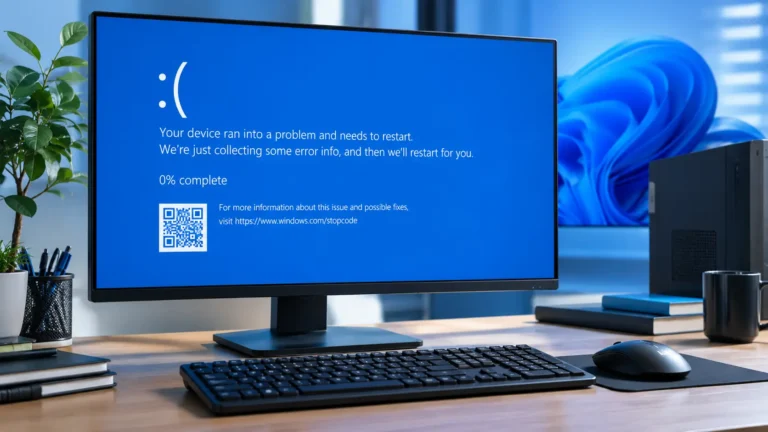
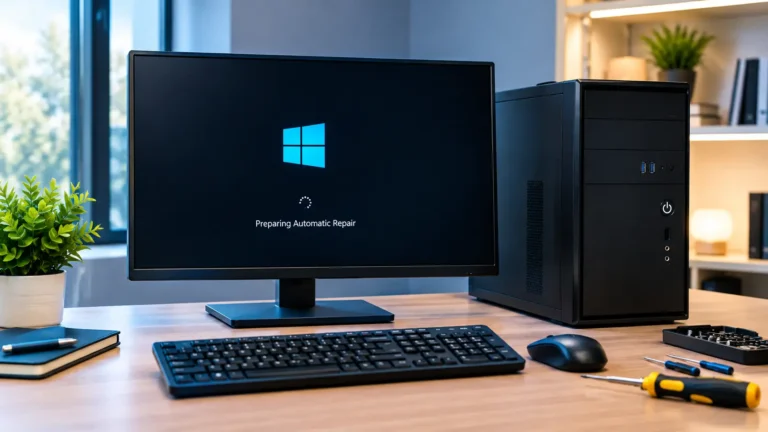
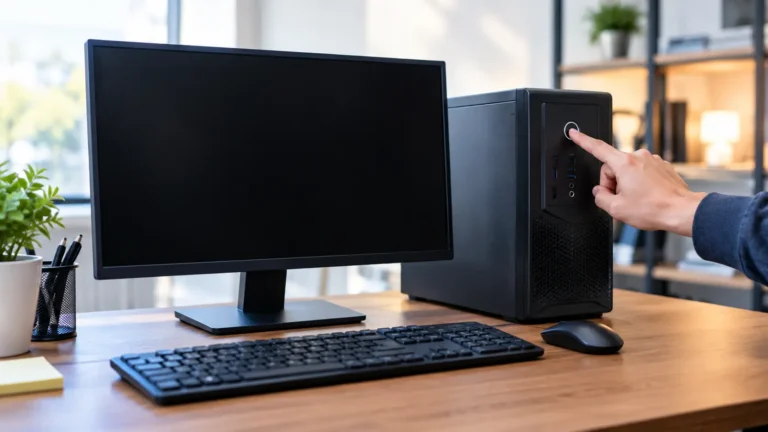
A technician can test the charger, power supply, battery, power button, RAM, storage drive, motherboard, and other components.
If you want to try basic troubleshooting first, see our guide on fixing a computer that won’t turn on.
If the computer turns on but nothing happens, the problem may involve the display, hardware, Windows, or another component.
Slow, Freezing, or Crashing Computer
Reasons for a computer running slowly can include an excessive number of startup programs, insufficient storage space, overheating, storage drive failure, malware, or inadequate RAM.
A technician can examine the system to determine whether cleaning, software adjustments, an SSD upgrade, or additional RAM is required.
Virus and Malware Problems
Technical experts can scan for viruses, malware, unwanted programs, and other security issues.
In cases of severe infection, simply deleting a few suspicious files may not be enough. A technician might recommend backing up important files and reinstalling Windows if necessary. Some modern repair services opt for a clean system installation rather than relying solely on malware removal after a severe infection.
Hardware, RAM, SSD, and Hard Drive Problems
A technician can test memory, storage, cooling systems, power components, and other hardware.
For laptops that run hot because of poor airflow, cleaning the vents and improving airflow may also help.
If the computer’s other components support the upgrade, replacing the old hard drive with an SSD can also improve startup and application loading speeds.
WiFi, Network, and Software Problems
Computer technicians can resolve Wi-Fi issues, network settings, driver problems, Windows errors, software installation issues, and other related problems.
If other devices also can’t connect to the internet, the problem may be the router or the internet service itself, not the computer.
Computer Repair Technician Near Me vs. Computer Repair Shop
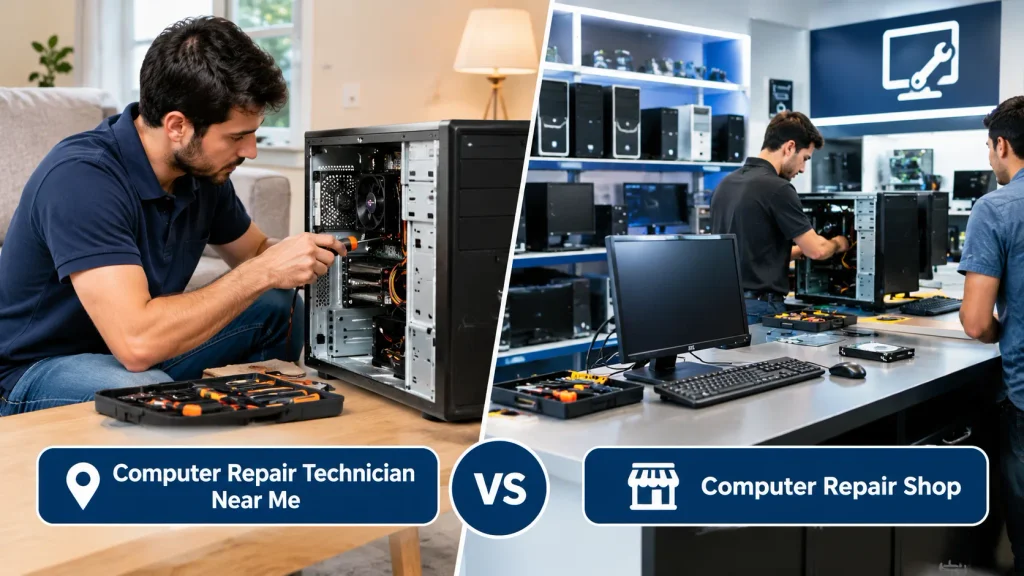
The best service depends on the problem and how you want the repair work done.
When an Onsite or Mobile Technician Makes Sense
A technician visits your home or office.
This service can be useful when:
- Moving your desktop from one location to another is difficult
- The issue relates to your Wi-Fi or network
- You require assistance at home or the office
- You are unable to transport the computer safely
Some local services offer repair facilities at homes, offices, and workshops.
When an In-Store Repair Shop Is Better
A repair shop is well-suited for hardware tasks that require specialized tools.
This may include motherboard repairs, complex storage issues, screen replacements, advanced diagnostics, or data recovery.
The workshop may also be equipped with superior testing gear for components that cannot be easily checked at home.
When Remote Computer Support May Be Enough
Remote support software can address issues that do not require physical access.
It can help with:
- Software errors
- Windows settings
- Certain malware issues
- Email problems
- Basic network settings
- Program installation
Remote support cannot fix physically damaged hardware.
How Much Does a Computer Repair Technician Cost?
There is no fixed price for computer repair. The final cost depends on the issue, the computer model, parts, labor, and location.
For instance, Computer repair prices vary by location, problem, labor, parts, and the type of service required, whereas advanced board repairs and data recovery can cost significantly more.
What Affects the Repair Price?
Key factors include:
- Type of computer
- Nature of the fault
- Labor required
- Replacement parts
- Difficulty of data recovery
- Costs for on-site inspection or repair
- Urgency of the repair
The cost of fixing a minor software issue can be significantly lower than that of repairing a motherboard or recovering data from a faulty drive.
Diagnostic Fees and Repair Estimates
Ask about the diagnostic fee before leaving your computer.
A good technician will inform you of the identified fault and provide a cost estimate before starting any expensive work.
If the repair cost is nearly equal to the price of a new computer, ask about both options before approving the repair.
Labor, Parts, and Data Recovery Costs
This covers the cost of labor. Parts include items such as RAM, SSDs, batteries, screens, or other components.
Data recovery is different because the cost depends heavily on the condition of the storage device. A functional drive is generally easier to recover than a physically damaged one. Current repair price lists reflect the significant difference between basic data recovery and advanced recovery from failed drives.
How Long Does Computer Repair Take?
The repair time depends on the issue and the availability of replacement parts.
Same Day Computer Repairs
Minor issues can be resolved on the same day.
Examples include:
- Software installation
- Basic virus removal
- Windows troubleshooting
- RAM or SSD replacement
- Simple cleaning and maintenance
Some repair services advertise ‘same-day service’ for common issues.
Repairs That Need Replacement Parts
If the technician needs to order a screen, battery, motherboard, storage drive, or any other part, the repair may take longer.
Always ask whether the required part is already in stock.
Complex Hardware and Data Recovery
Motherboard repairs, liquid damage, severely affected drives, and complex data recovery processes can take several days or even longer.
Do not trust anyone who claims that complex data recovery tasks will always be completed within a fixed, short timeframe. In reality, data recovery depends on the condition of the storage device.
How to Choose a Trusted Computer Repair Technician
Do not select a technician based solely on location. Evaluate their service quality, communication, repair procedures, and data protection measures.
Before You Hand Over Your Computer
Before handing over your computer, write down the main problem, back up important files if possible, remove unnecessary personal information, and note the computer’s condition. Ask for a repair receipt that lists the reported problem, work performed, parts replaced, total cost, and warranty.
These simple steps make it easier to track the repair and protect your files and personal information.
Questions to Ask Before Hiring
Ask these questions before approving the repair:
- What do you think is the cause of the problem?
- Do you charge a diagnostic fee?
- What does the total estimate cover?
- Will you contact me before replacing any parts?
- What kind of warranty do you offer?
- How long will the repair take?
- Will my files remain safe (unaltered)?
Clear answers are a good sign that the repair process is being handled properly.
Warning Signs to Watch For
Be cautious if a technician:
- Cannot explain the problem
- Wants to replace parts without performing any testing
- Quotes a price without checking the computer
- Refuses to explain warranty details
- Asks for unnecessary passwords
- Pressures you to immediately approve expensive work
The procedure for major repairs should be clearly defined before the work begins.
What to Check About Data Privacy and Warranty
Find out whether your data will be copied, deleted, or accessed during the repair.
If your computer contains sensitive information, ask if the repair can be performed without accessing personal files.
Also, obtain warranty details in writing. Clarify which parts or services are included and the duration of the coverage.
Should You Repair or Replace Your Computer?
Repairing an old computer is not always the best decision.
Repairing might be a suitable option if the computer has a good processor, sufficient RAM, and a functional motherboard, and requires only a minor upgrade—such as installing an SSD.
Conversely, replacing the computer may be more appropriate if multiple expensive components are failing, the machine is very old, or the repair cost approaches the price of a suitable replacement computer.
Ask the technician about two types of costs:
Repair cost: How much will it cost to make the current computer functional?
Replacement cost (new or refurbished): What would be the price of a suitable new or refurbished computer?
Then, before making a decision, compare factors such as performance, expected lifespan, warranty, and your specific needs.
FAQS:
1. Can a Technician Repair Your Computer Without Your Login Password?
Yes, a technician can often perform hardware repairs without your login password, but certain software repairs may require access to your account.
If possible, create a temporary account instead of sharing your personal password.
2. Does a Computer Repair Service Offer Pickup and Delivery?
Yes, some computer repair services offer pickup and delivery, but this depends on the repair company and your location.
Inquire about service areas, pick-up fees, delivery times, and how your computer will be protected during transport.
3. Should You Get a Written Record of the Computer Repair?
Yes, you should obtain a written record of the computer repair that includes details of the problem, the work performed, parts used, the cost, and the warranty.
This record helps you verify what repairs were carried out and serves as proof should the same problem recur.
4. What Should You Bring When Taking Your Computer for Repair?
Bring the computer, its charger or power cable, and any relevant accessories needed to demonstrate the issue.
Also, bring a brief written note describing the problem; however, be sure to back up your important files and avoid sharing your personal passwords.
5. How Can You Tell If a Computer Repair Quote Is Fair?
Compare the quote with prices from two or three local repair services and check what the price includes.
A fair quote should clearly show the diagnosis, labor, parts, and any extra fees.
Conclusion
Finding a nearby computer repair technician becomes easier when you compare the reviews, services, prices, repair times, and warranties of different technicians. Choose a technician who clearly explains the issue, ensures the safety of your files, and provides a clear cost estimate. By following these simple steps, you can avoid poor service and ensure your computer is repaired safely and correctly.
Written By