Is 8 GB On A Laptop Good? (Full Details 2026)
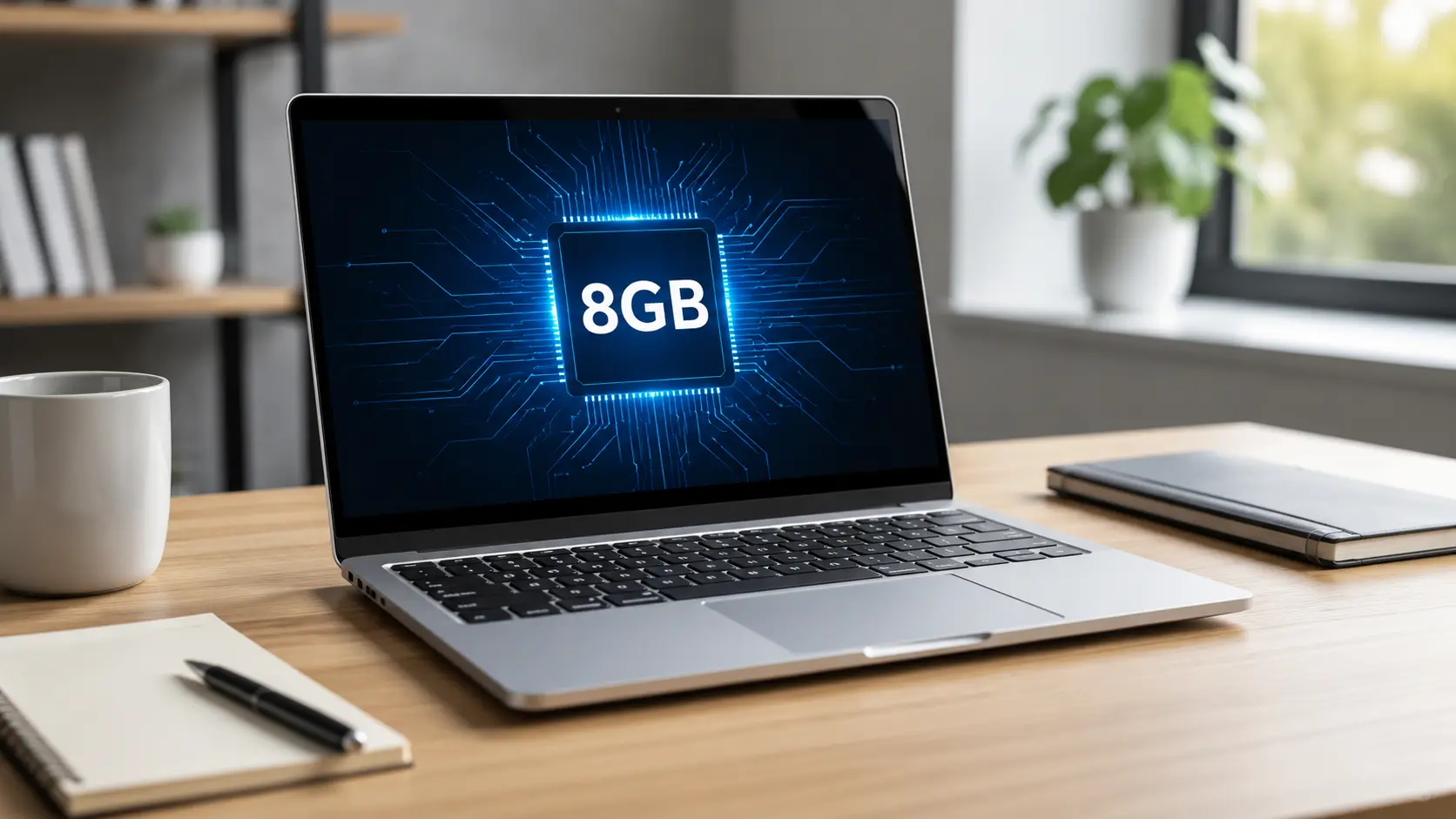
Yes, 8GB on a laptop is good enough for everyday tasks like browsing, emails, homework, and streaming videos. It may slow down with heavy gaming, editing, or many open tabs. Light users will be happy with 8GB, while power users should consider 16GB for smoother performance.
Is 8 GB On A Laptop Good? For many students, office users, and casual laptop users, 8GB RAM can still provide enough performance for everyday tasks.
In this guide, we’ll walk you through exactly what 8GB RAM can handle, where it struggles, and how to pick the right laptop for your needs.
Is 8GB RAM on a Laptop Good? Here’s the Honest Answer
If you’re shopping for a laptop and keep seeing “8GB RAM” listed as the memory option, you’re probably wondering if that’s enough or if you’re about to make a mistake. It’s a fair question. RAM affects almost everything about how a laptop feels to use, from opening apps to switching between browser tabs.
The short answer is that 8GB RAM is good enough for basic, everyday tasks. But it starts to struggle once you push it with gaming, editing, or heavy multitasking. Let’s break down exactly why, what causes the slowdown, and how to know if 8GB is right for you.
Why 8GB RAM Is or Isn’t Enough
Whether 8GB is enough really depends on what you do with your laptop. For someone who checks email, browses the web, and watches videos, 8GB usually feels fine. For someone editing 4K video or running multiple heavy programs at once, 8GB will feel tight and slow.
There’s no single right answer here. It’s less about the number and more about matching your RAM to your workload.
How RAM Affects Laptop Performance
RAM (Random Access Memory) is your laptop’s short-term memory. It’s different from storage, which permanently holds your files. RAM holds the data your laptop needs right now while apps are open and running.
RAM is important, but it’s not the only thing that determines laptop performance. Other factors can make some HP laptops perform much better than others.
Think of it like a desk. Storage is the filing cabinet where everything lives long-term. RAM is the desk surface where you actually work. A small desk means you can only spread out a few things at once. Once it’s full, you have to put something away before you can bring out something new, and that swapping takes time.
That’s exactly what happens on a laptop with limited RAM:
- Apps take longer to switch between
- Multitasking feels sluggish
- The laptop may freeze briefly when memory runs low
- Your hard drive or SSD gets used as backup memory, which is much slower than real RAM
More RAM means a bigger desk. Your laptop can keep more programs open and ready to use at the same time, without constantly shuffling data around.
What 8GB RAM Can Handle Comfortably
Here’s what runs smoothly on 8GB RAM for most users:
- Web browsing with a reasonable number of tabs open
- Word processing (Word, Google Docs, Excel)
- Email and messaging apps
- Streaming video on YouTube or Netflix
- Video calls on Zoom or Teams
- Light photo editing
- Casual, older, or lightweight games
If your daily routine looks like this list, 8GB RAM should serve you well. Problems usually show up when you try to do several of these things at once, or add something more demanding into the mix.
What Causes 8GB RAM to Feel Slow or Laggy
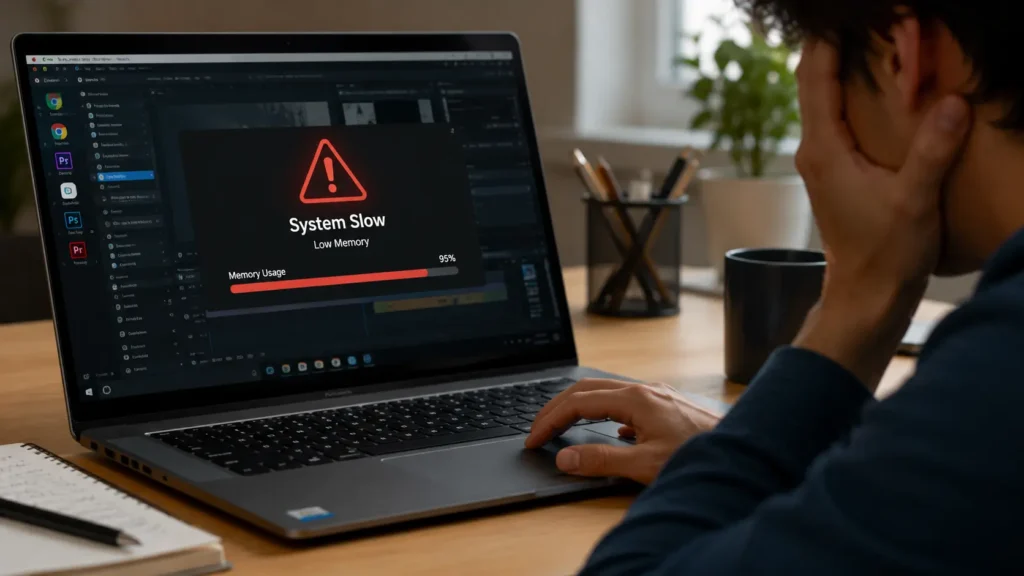
Nobody wants a laptop that stutters or freezes. If you already own an 8GB laptop and it’s starting to feel slow, it’s usually one of these three culprits.
Too Many Browser Tabs Open
This is the number one reason 8GB laptops start to lag. Every tab you open uses a chunk of memory, especially in browsers like Chrome, which are known for being memory-hungry. Add extensions, autoplay videos, or tabs with animations, and you can eat up several gigabytes of RAM without even noticing.
A good rule of thumb: if you regularly have 15 or more tabs open at once, your 8GB laptop is likely working overtime.
Background Apps Running Silently
Many programs keep running even after you close the window. Things like:
- Cloud sync tools (OneDrive, Dropbox, Google Drive)
- Antivirus software
- Chat apps like Discord or Slack
- Startup programs that launch automatically with Windows
These apps quietly use up RAM in the background, leaving less available for what you’re actively working on. You might not even realize they’re running until your laptop starts to slow down.
Heavy Software or Multitasking
Some programs are simply built to use more memory. Video editors, design software, and apps with many browser tabs and windows open at once all demand more RAM than basic tools do.
The real problem hits when you combine tasks — say, editing a document while a video call runs in the background and ten browser tabs sit open. On 8GB RAM, that combination is often where things start to slow down or freeze.
8GB RAM Specifications & Real-World Ranges
RAM comes in different sizes, and each step up gives your laptop more breathing room. Here’s how 8GB compares to the sizes above and below it.
8GB vs 4GB RAM
| Feature | 4GB RAM | 8GB RAM |
|---|---|---|
| Web browsing | A few tabs only | 15–20+ tabs comfortably |
| Multitasking | Very limited | Handles 2–3 apps at once |
| Office work | Slow with large files | Smooth for most documents |
| Streaming video | Can lag | Generally smooth |
| Best for | Very basic use, older laptops | Everyday general use |
4GB is considered the bare minimum for a modern laptop, and it shows its limits quickly. Moving to 8GB roughly doubles your working space, and the difference is noticeable in daily use.
8GB vs 16GB RAM
| Feature | 8GB RAM | 16GB RAM |
|---|---|---|
| Web browsing | Good for moderate tab use | Handles heavy tab use easily |
| Multitasking | Some slowdown with many apps | Smooth even with many apps open |
| Gaming | Struggles with modern titles | Handles most modern games well |
| Video/photo editing | Basic edits only | Comfortable for most editing work |
| Future-proofing | Limited | Better long-term choice |
16GB has become the recommended standard for anyone doing more than basic tasks. If your budget allows it, 16GB gives you more room to grow into heavier software down the line, without needing to upgrade again soon.
Is 8 GB On A Laptop Good for Everyday Use?
Yes, 8 GB on a laptop is good for everyday use. It works well for browsing, emails, schoolwork, Office apps, streaming, and light multitasking. If you edit videos, play demanding games, or multitask heavily, choose 16 GB for better performance.
Is 8GB RAM Good for Different Use Cases?
RAM needs aren’t one-size-fits-all. Here’s how 8GB performs across common ways people actually use their laptops.
Everyday Use & Web Browsing
This is where 8GB RAM does its best work. Checking email, browsing the web, using social media, and working in office apps all run smoothly on 8GB, as long as you’re not running dozens of tabs and programs simultaneously.
Gaming Performance
For gaming, 8GB RAM is a mixed bag. Older games and lighter titles, like Minecraft or many indie games, generally run fine. But newer, graphically demanding games often list 16GB as the recommended amount, and you may notice stuttering or longer loading times on 8GB, even if your graphics card can technically handle the game.
If your main goal is gaming, RAM is only one part of the equation. You should also pay attention to cooling and thermal performance, especially on gaming laptops.
If gaming is a priority, 8GB should be treated as the minimum, not the ideal.
Video & Photo Editing
Light photo editing works reasonably well on 8GB. But video editing, especially with HD or 4K footage, tends to push past what 8GB can comfortably handle. Many editing programs list 8GB as their minimum requirement, with 16GB or more recommended for smoother performance and larger projects.
If you edit video regularly, 8GB will likely feel restrictive.
Programming & Coding
For basic coding and lightweight development, 8GB can work fine. But if your work involves running virtual machines, multiple development environments, or resource-heavy tools like Docker, you’ll likely hit the ceiling quickly. Many developers find that 16GB makes a noticeable difference in day-to-day workflow.
Idle / Light Use
If your laptop is mostly used for reading, note-taking, browsing, or light streaming, 8GB RAM is more than capable. This is genuinely one of the best use cases for an 8GB machine, and you’re unlikely to run into memory issues here.
When Should You Worry About 8GB RAM?
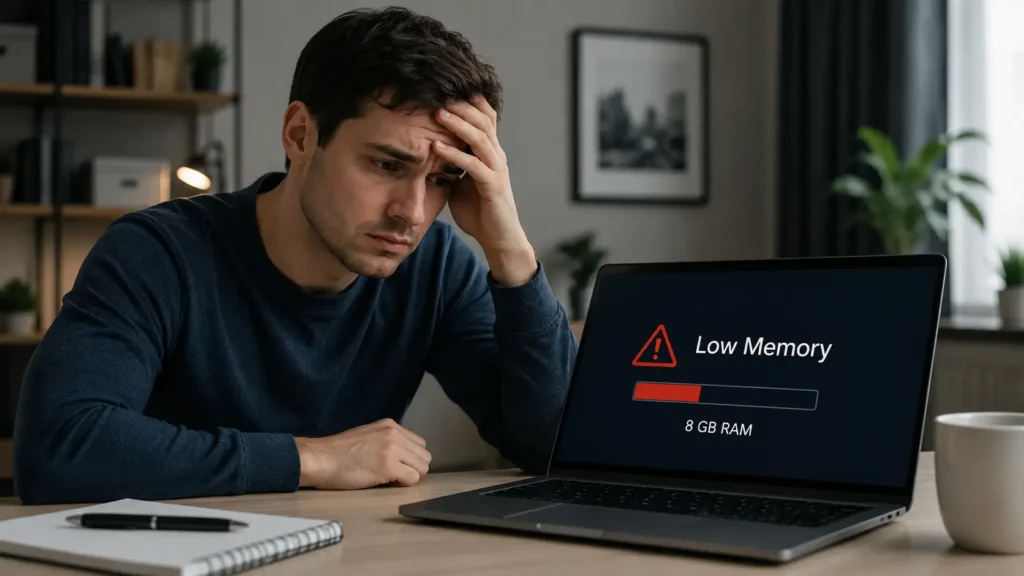
Not every 8GB laptop will give you trouble. But there are clear warning signs that your memory is becoming a bottleneck.
Signs Your Laptop Needs More RAM
Watch out for these signs:
- Apps take noticeably longer to open or switch between
- Your laptop freezes briefly when several programs are running
- The fan runs loudly even during simple tasks
- Programs crash or close unexpectedly under normal use
- Your laptop feels slower than it did when you first bought it
- Task Manager (or Activity Monitor on Mac) shows RAM usage constantly near 90–100%
If you’re noticing two or more of these regularly, it’s a strong sign that 8GB isn’t keeping up with how you actually use your laptop.
How to Fix Slow Performance on 8GB RAM
If your 8GB laptop is starting to feel sluggish, you don’t necessarily need a new machine right away. Try these steps first.
Close Unused Background Apps
- Open Task Manager (Windows) or Activity Monitor (Mac)
- Check which apps are using the most memory
- Close anything you’re not actively using, especially browser tabs and chat apps
Reduce Startup Programs
- Open Task Manager and go to the “Startup” tab
- Disable programs you don’t need running the moment your laptop turns on
- Restart your laptop to free up memory immediately
Upgrade RAM (If Possible)
Some laptops allow you to add more RAM yourself, while others have it built in and sealed. Check your laptop’s specifications or manual before assuming an upgrade isn’t possible. If it is upgradable, moving from 8GB to 16GB is often one of the most affordable ways to extend a laptop’s life.
If you’re replacing an older HP laptop rather than upgrading it, you can also learn how to sell HP laptops to get more value from your old device.
Use Lightweight Software Alternatives
Heavier apps use more memory. Where possible, consider lighter alternatives:
- Use a lighter browser, or limit the number of open tabs
- Choose lightweight apps over resource-heavy ones when a task allows it
- Close cloud sync tools when you don’t need them running constantly
Small changes like these can noticeably free up memory without spending a cent.
Final Verdict: Is 8GB RAM Good Enough in 2026?
For basic, everyday computing, 8GB RAM is still good enough. If you mainly browse the web, handle emails, work in office documents, and stream video, you likely won’t notice any real limitations.
But if your work involves gaming, video editing, programming with heavy tools, or serious multitasking, 8GB will start to feel like a limit rather than a comfortable amount. In that case, 16GB is the safer, more future-proof choice.
The bottom line: match your RAM to how you actually use your laptop, not to what sounds impressive on a spec sheet. For light users, 8GB does the job well. For everyone else, it’s worth stretching the budget for more.
FAQs:
1. Is 8GB RAM Good Enough for a MacBook?
Yes, 8GB RAM is good enough for a MacBook if you do light tasks like browsing, email, and streaming. But for heavy work like video editing or gaming, 16GB is a better choice.
2. Should Students Choose an 8GB RAM Laptop?
Yes, 8GB of RAM is good enough for most students who use their laptops for classes, note-taking, and web browsing. But if you study video editing, coding, or design, 16GB will work better.
3. Does 8GB RAM Affect Battery Life?
No, 8GB RAM does not affect battery life in a big way. It may use a little more power when full, but the difference is very small.
4. How Long Does an 8GB RAM Laptop Last Before It Feels Outdated?
An 8GB RAM laptop can feel outdated in about 2 to 3 years for normal use. If you use heavy apps or games, it may feel slow even sooner.
5. What Is the Difference Between RAM and Storage on a Laptop?
RAM is short-term memory that helps your laptop run apps quickly right now. Storage saves your files, photos, and programs for the long term, even when the laptop is off.
Conclusion
So, is 8GB RAM good on a laptop? Yes, for simple tasks like browsing, emails, and homework, 8GB works fine. But if you play games, edit videos, or use heavy apps, it can feel slow. Think about how you use your laptop before you decide. If you need more power later, 16GB is the safer choice.
Written By