Can I Sell A Broken HP Laptop? (See How In 2026)
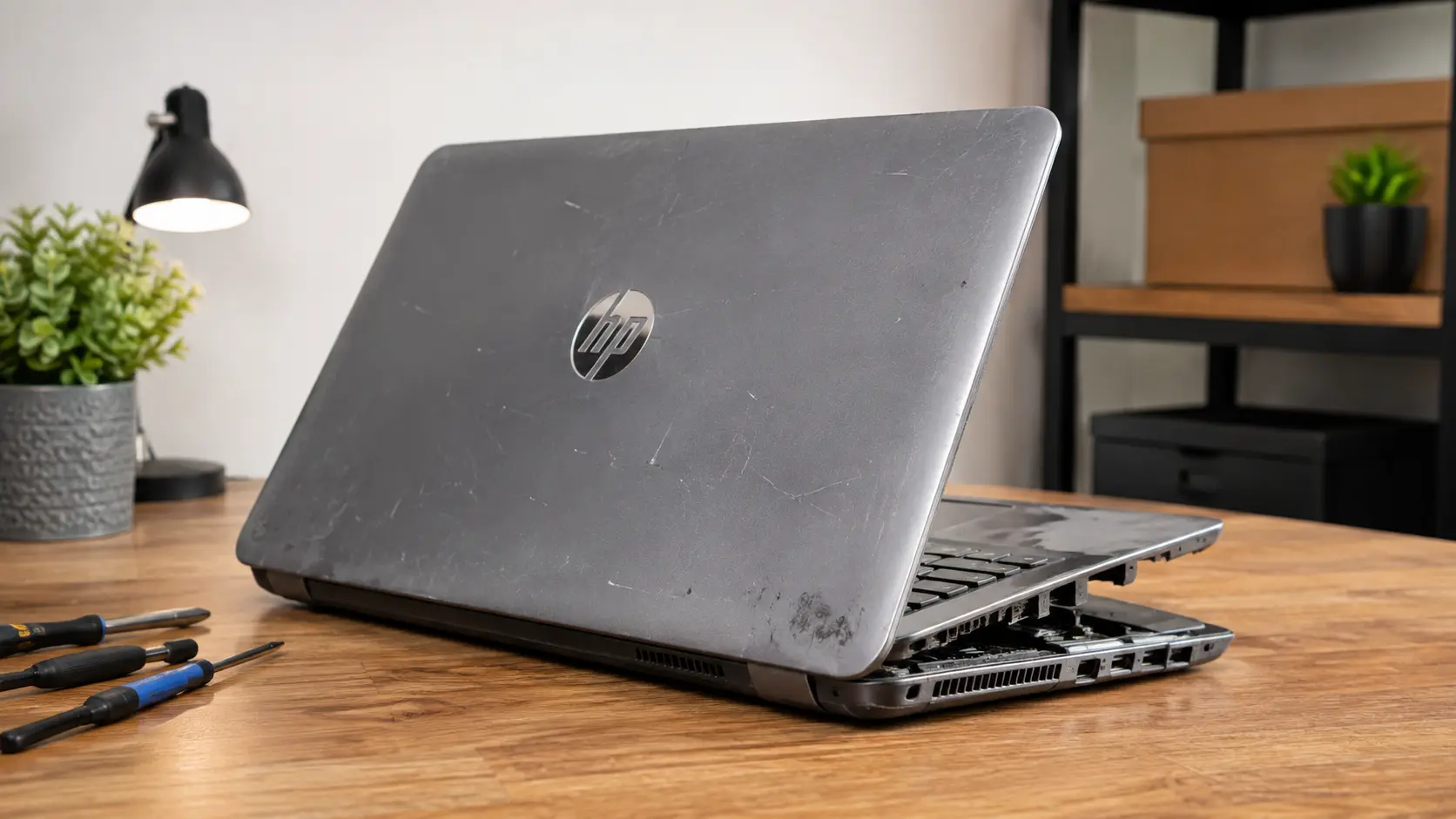
Can I Sell A Broken HP Laptop? Yes, you can. Even a laptop with a cracked screen, dead battery, power problem, or other damage may still be worth money. The price depends on the HP model, age, condition, and parts that still work.
In this guide, you’ll learn how to check your laptop’s value, where to sell it, whether repairing it is worth the cost, and how to protect your personal data before handing it over.
Can You Sell a Broken HP Laptop in 2026?
Yes, you can sell a broken HP laptop in 2026. A laptop doesn’t need to be fully working to have resale value.
Buyers, repair shops, refurbishers, and parts dealers may want a damaged laptop because some components can still be useful. For example, a broken machine may have working RAM, an SSD, a keyboard, a display, a charger, a cooling fan, or other parts.
Your best option depends on the extent of the damage.
- Minor damage: Repair it or sell it as a working laptop with a known fault.
- Major damage: Sell it as a broken or parts-only laptop.
- Very old laptop: Compare its value against its parts and recycling value.
- Laptop with useful parts: A parts buyer may offer more than a general recycling service.
The key is to tell the buyer exactly what works and what doesn’t. A clear description can prevent problems after the sale.
How Much Is a Broken HP Laptop Worth?
There isn’t one fixed price for every broken HP laptop. Two HP laptops with similar damage can have very different values.
An older entry-level HP laptop with a damaged motherboard may have little resale value. A newer HP EliteBook, ProBook, Spectre, Envy, or Pavilion with a broken screen may still be worth more because its other components can be reused.
A simple way to think about the value is:
Broken laptop value = model value + useful parts − repair risk − damage
This isn’t a formal pricing formula, but it explains why buyers look at more than just the fact that the laptop is broken.
What Determines the Value of a Broken HP Laptop?
Several things affect the price:
- Exact model: The model number helps buyers know what parts are inside.
- Age: Newer laptops generally have more valuable hardware.
- Processor: A newer Core i5, Core i7, Ryzen 5, or similar processor can make a difference.
- RAM: More RAM can increase the value of usable parts.
- Storage: A working SSD can be useful to a buyer.
- Screen condition: A good display can have value even if another part has failed.
- Battery condition: A healthy battery is more useful than a completely dead one.
- Motherboard condition: Motherboard damage can reduce the value sharply.
- Charger and accessories: Original accessories can make the package more useful.
Buyers also consider whether repairing the laptop makes financial sense. If a repair costs nearly as much as another working laptop, they may only want it for parts.
Does the HP Model Affect Its Selling Price?
Yes. The HP model can make a big difference.
Model quality also matters because HP laptops can differ greatly in build quality, hardware, features, and long-term value. Our guide to why some HP laptops are better than others explains these differences in more detail.
A newer business laptop such as an EliteBook or ProBook may attract buyers who need replacement parts.
For example, you can check our detailed guide to the HP EliteBook 840 G5 to see the type of hardware and specifications found in one popular HP business laptop. Premium models can also have more valuable screens, keyboards, storage, memory, and other components.
An older basic HP laptop may have a lower value, especially if several major parts are damaged.
Before asking for an offer, find the exact model. Look for the model name and product number on the bottom of the laptop, inside the battery area on some older models, or in Windows if the machine still starts.
Don’t simply write “HP laptop” in your listing. Include the full model and important specifications.
If you’re not sure which specifications matter, our guide on laptop specs for college students explains the key hardware details you should understand before comparing laptops.
Can a Dead HP Laptop Still Be Worth Money?
Yes. A laptop that won’t turn on can still be worth money.
The important question is why it doesn’t turn on.
If the problem is a battery or charger, the rest of the laptop may still be useful. The value of an older laptop can also depend on its hardware and individual components, so identifying the exact model and specifications is important.
If the motherboard has failed, buyers may instead value the screen, keyboard, RAM, SSD, case, hinges, or other working parts.
If you don’t know the exact fault, don’t guess. Tell the buyer that the laptop doesn’t power on and explain what you already tested.
Where Can You Sell a Broken HP Laptop?
You have several choices, and each one has different benefits.
If you’re also interested in selling a working or used HP laptop, our guide on how to sell HP laptops explains the main selling options and resale tips.
Sell Your Broken HP Laptop Online
Online buyback services can be convenient because you can enter your laptop details and receive a quote without visiting a store.
Some specialist buyers accept defective laptops and use them for repair, resale, or parts. The exact models and conditions accepted vary, so check the buyer’s current requirements before shipping.
A specialist broken electronics buyer such as SellBroke explains that defective laptops can still be sold through an online quote and shipping process.
Online selling is a good choice when:
- You want a quick valuation
- You don’t want to negotiate with buyers
- You can safely ship the laptop
- You want to compare online offers
Sell It to a Local Buyback Store
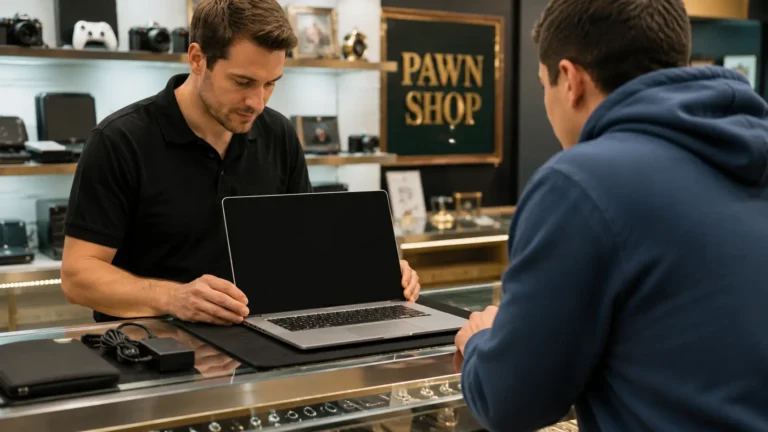
A local computer shop or electronics buyer may inspect the laptop and make an offer.
The main benefit is speed. You may be able to take the laptop to the store and receive payment during the same visit.
However, a local shop has to make money after buying your laptop. Because of this, its offer may be lower than what you could get from a direct buyer.
Get more than one quote before accepting an offer.
Sell a Broken HP Laptop Near You
Search for local computer repair shops, used laptop dealers, electronics buyers, and recycling centers that accept laptops.
Before visiting, call and ask:
Do you buy broken HP laptops for parts or repair?
This can save you a wasted trip.
If you’re meeting an individual buyer, choose a safe public location and don’t hand over the laptop until the payment is confirmed.
Sell It Yourself on a Marketplace
You can list the laptop yourself on a marketplace and sell directly to another person.
This can sometimes produce a higher price because you’re dealing directly with the buyer. The tradeoff is that you have to create the listing, answer questions, negotiate, and handle shipping or pickup.
Use a clear title such as:
HP EliteBook 840 G5, Broken Screen, Works, For Parts
Include clear photos and explain every known problem.
Can You Sell a Broken HP Laptop for Cash?
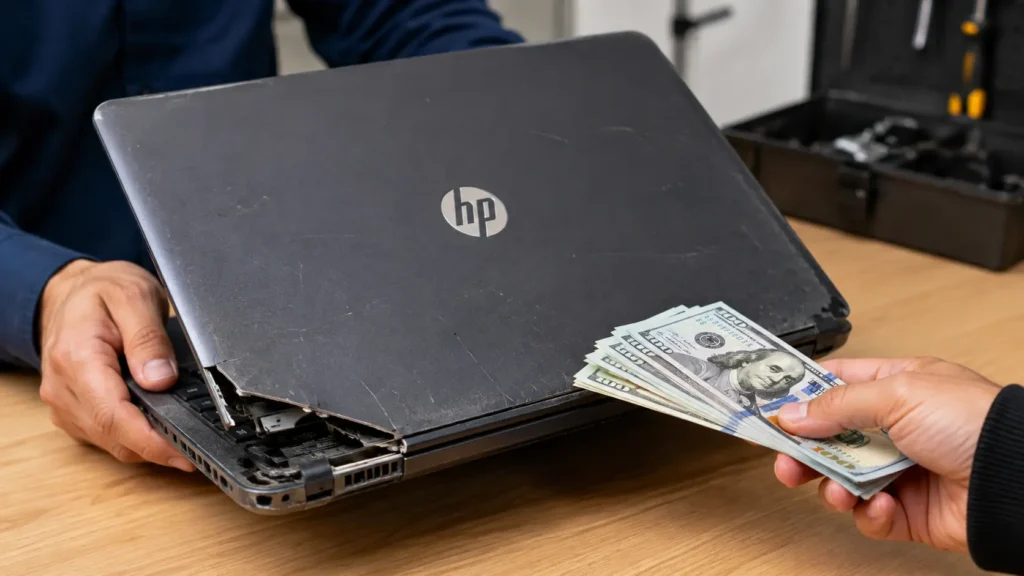
Yes. You can sell a broken HP laptop for cash, but the payment method depends on the buyer.
A local computer shop may pay you immediately after checking the laptop. Online buyers usually use another payment method after receiving and inspecting the device.
Specialist broken laptop sellers can provide an online quote and shipping process, while local repair shops may offer immediate payment.
How Fast Can You Get Paid?
The fastest option is usually a local sale because you don’t have to wait for shipping and inspection.
A typical process looks like this:
- Take the laptop to a local buyer.
- The buyer checks its condition.
- You agree on a price.
- You complete the sale.
- You receive payment.
Online sales usually take longer because the laptop must be shipped and checked before final payment.
Never assume that an online quote is the same as the final payment. The final offer can depend on whether the laptop matches the condition you reported.
Cash Offer vs. Online Buyback
Local cash sale: Faster and simpler, but the offer may be lower.
Online buyback: Convenient and easier to compare, but you have to ship the laptop and wait for inspection.
Marketplace sale: May bring a higher price, but requires more work and negotiation.
Choose the option that gives you the best balance between price, speed, and effort.
What Types of Broken HP Laptops Can You Sell?
You may be able to sell many different types of damaged HP laptops. The amount you receive depends on the model and the exact damage.
HP Laptop With a Broken Screen
A cracked screen doesn’t always make the entire laptop worthless.
If the motherboard, processor, RAM, storage, keyboard, and other components work, someone may buy the laptop for repair.
Tell the buyer whether:
- The laptop turns on
- Windows loads
- An external monitor works
- The screen has cracks or black areas
- The touch function still works, if applicable
HP Laptop That Won’t Turn On
A laptop that won’t turn on can still have useful parts.
The cause could be the charger, charging port, battery, power circuit, motherboard, or another component.
Don’t claim that the motherboard is broken unless you have confirmed it. Simply state that the laptop does not power on and explain what happens when you press the power button.
HP Laptop With a Dead Battery
A dead battery is usually less serious than major motherboard damage.
If the laptop works normally when connected to its charger, mention this in your listing. A buyer may only need to replace the battery.
This makes the laptop more attractive than one that has several unknown faults.
HP Laptop With Water Damage
Water damage can be serious because liquid may affect multiple internal components.
If your HP laptop has suffered liquid damage, explain exactly what happened. Don’t hide corrosion, liquid marks, or startup problems.
Some buyers may still want it for parts, but the offer can be lower because the damage is harder to predict.
HP Laptop With a Damaged Motherboard
A damaged motherboard is one of the more serious problems.
Repairing a motherboard can be expensive, and some buyers may only want the laptop for its other components.
Even then, the laptop can have value if it contains useful parts such as a good screen, SSD, RAM, keyboard, charger, or other hardware.
How to Sell a Broken HP Laptop Online
Selling online becomes much easier when you prepare the laptop properly.
Find Your Exact HP Model
Start by finding the exact model number.
Check:
- The label on the bottom
- The original box or receipt
- The BIOS or system information
- Windows system information, if the laptop still starts
Also record useful specifications such as RAM, storage, processor, screen size, and operating system.
The more accurate your information is, the easier it is for a buyer to value the laptop.
Check the Laptop’s Condition
Test everything you safely can.
Check whether:
- The laptop turns on.
- The display works.
- The keyboard responds.
- The touchpad works.
- The charger works.
- USB ports work.
- WiFi works.
- The battery holds a charge.
- The storage drive is detected.
- Windows starts normally.
You don’t need to repair every problem before selling. You simply need to understand and describe the condition honestly.
Testing a used laptop before selling it and clearly reporting faults are also recommended by specialist laptop buyers.
Get a Quote
Enter the exact model and condition into several buying services.
Don’t choose the first offer automatically.
Compare:
- Offer amount
- Shipping cost
- Payment method
- Inspection process
- Return policy
- Buyer requirements
This gives you a better idea of the laptop’s real market value.
Ship or Drop Off Your Laptop
If you accept an online offer, follow the buyer’s shipping instructions.
Pack the laptop securely so it doesn’t receive additional damage during transport. Take photos of the laptop before packing it. Keep tracking information until the sale is complete.
If a local store accepts the laptop, you can usually avoid shipping altogether.
Get Paid
Payment normally happens after the buyer receives and checks the laptop.
Keep your receipt, tracking number, offer details, and payment confirmation until everything is finished.
If the buyer changes the offer because the condition is different from what you reported, review the reason before accepting or rejecting the new offer.
Should You Repair Your HP Laptop Before Selling It?
Not always. Repairing a broken laptop only makes sense when the expected increase in selling price is greater than the repair cost and effort.
When Repairing It May Be Worth It
Repairing may make sense when the problem is simple and inexpensive.
Examples include:
- A worn battery
- A damaged charger
- A loose or replaceable component
- A minor keyboard problem
- A simple storage upgrade
Get a repair quote first. Don’t spend money on repairs based only on the hope that you’ll recover the cost.
When Selling It Broken Makes More Sense
Selling it as broken can be better when the motherboard has failed, the laptop has severe liquid damage, or several expensive parts need replacement.
It’s also worth considering if the laptop is old and the repair cost is close to the value of a working replacement.
A broken laptop can still have useful parts, so selling it for repair or parts may be more sensible than paying for a major repair.
What to Do Before Selling a Broken HP Laptop
Protecting your personal information should come before getting the highest price.
HP’s support guidance notes that resetting a PC can be appropriate when transferring ownership, and its Windows recovery guidance explains that a full reset can remove local files and personal data.
Back Up Your Important Files
Before doing anything else, copy your important files.
Check for:
- Photos
- Documents
- Videos
- School or work files
- Browser bookmarks
- Password information
- Files stored on the desktop and Downloads folder
If the laptop won’t start, don’t immediately throw away the storage drive. A repair professional may be able to help recover your files.
Remove Your Personal Accounts
Sign out of accounts connected to the laptop.
Pay special attention to:
- Microsoft account
- Google account
- Email accounts
- Cloud storage
- Social media
- Password managers
- Browser profiles
Removing accounts helps prevent the next owner from accessing information that belongs to you.
Factory Reset the Laptop If Possible
If Windows still works, use the appropriate Windows reset option and choose the option that removes your personal files.
HP explains that Reset this PC can erase files and local passwords.
If the laptop contains highly sensitive information and you cannot securely wipe the storage, consider asking a qualified technician about secure data removal before selling the device.
If the laptop won’t start, don’t guess that your data is gone. The storage drive may still contain your files.
Remove Personal Accessories and Passwords
Remove SD cards, USB drives, SIM cards, and other personal items.
Also remove saved passwords and sign out of accounts before handing over a working computer.
If the laptop is too damaged to access normally, treat the internal storage as if it still contains your information.
How to Get More Money for a Broken HP Laptop
A few simple steps can improve your chances of getting a better offer.
Knowing your laptop’s resale value before listing it can also help you avoid accepting a low offer.
Know Your Exact Model and Specs
Find the exact HP model before asking for a price.
Write down:
- Model name
- Processor
- RAM
- Storage
- Screen size
- Operating system
- Battery condition
This information helps buyers understand what they’re actually purchasing.
Be Honest About the Damage
Don’t say the laptop “works perfectly” if the screen is broken or the battery is dead.
Explain the problem clearly.
For example:
HP Pavilion turns on, and Windows loads, but the screen is cracked. Keyboard and charger work.
Honest listings build trust and reduce the chance of disputes or rejected offers.
Compare More Than One Offer
Never assume the first offer is the best one.
Check at least two or three options when possible. Compare the final amount you expect to receive, not just the advertised quote.
Include Useful Accessories
If you still have the original HP charger, include it when appropriate.
Other useful accessories may include:
- Original power adapter
- Docking station
- Original box
- Compatible accessories
Don’t include personal storage devices or anything containing your own data.
Broken HP Laptop Selling Options Compared
| Option | Best For | Main Advantage |
|---|---|---|
| Online buyback | Fast selling | Easy quote |
| Local store | Same day selling | Quick payment |
| Marketplace | Higher possible price | Direct buyer |
| Repair first | Minor damage | Potentially higher value |
| Recycling | Very damaged laptops | Responsible disposal |
There isn’t one best choice for everyone.
If speed matters most, a local buyer may be better. If you want to compare offers, online buyback can be easier. If you want to try for a higher price and don’t mind extra work, a marketplace can make sense.
For a laptop with very little resale value, responsible recycling may be the better choice. You can also learn more about gold and valuable materials inside laptops before deciding what to do with an old device.
FAQS:
1. Can I Sell a Broken HP Laptop for Parts?
Yes. A broken HP laptop can still be sold for parts if components such as the screen, RAM, SSD, keyboard, charger, or other hardware are usable. The exact value depends on the model and condition of those parts.
2. Does the Age of an HP Laptop Change Its Resale Value?
Yes, the age of an HP laptop can change its resale value. Newer models usually sell for more, while older laptops are often worth less because their parts and features are outdated.
3. Should I Remove the Hard Drive Before Selling a Damaged HP Laptop?
Yes, you should remove the hard drive if you can do so safely and still need your personal data.
If you plan to sell it with the drive, erase your files and factory reset the laptop first to protect your privacy.
4. What Information Should I Check Before Getting a Price for My HP Laptop?
Check the HP model, age, processor, RAM, storage, and overall condition before asking for a price.
Also note any damage, missing parts, and whether the laptop turns on, as these details can affect its value.
5. How Can I Tell If My Broken HP Laptop Is Worth Selling?
Check the laptop’s model, age, condition, and working parts to see if it has value.
Even a broken HP laptop may be worth selling if its parts can be repaired, reused, or replaced.
Conclusion
Yes, you can sell a broken HP laptop in 2026, and it may be worth more than you expect. The exact value depends on the model, age, damage, and working parts. Before selling, compare offers, describe the condition honestly, and protect your personal data. If repair costs are too high, selling the laptop for parts may be the better option.
Written By